Getting Started:
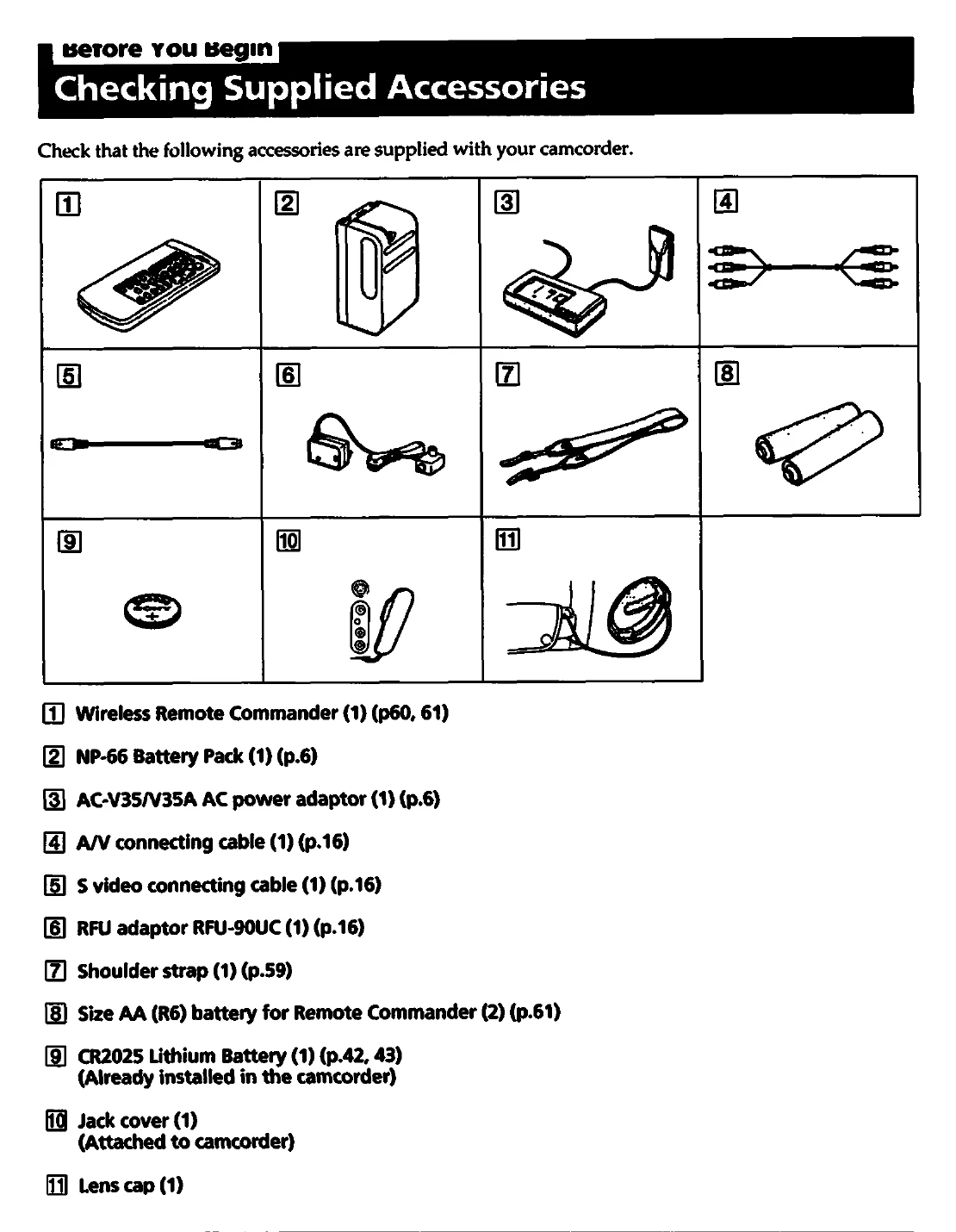
• Charge the NP-66 battery pack using the AC-V35/V35A AC power adaptor.
• Insert a charged battery pack into the camcorder.
• Insert a Hi8 video cassette.
• Adjust the viewfinder lens for a sharp image.
Basic Operations:
• To record, slide the POWER switch to CAMERA, turn STANDBY up, and press START/STOP. The "REC" indicator will appear.
• To stop recording momentarily, press START/STOP again.
• To finish recording, turn STANDBY down, slide POWER switch to OFF, and eject the tape.
Playback:
• Connect the camcorder to a TV using the supplied cables.
• Set the POWER switch to VTR, turn STANDBY up, and press PLAY.
Advanced Features:
• Use the zoom feature (W/T buttons) to adjust the field of view.
• Utilize the Steady Shot function for stable shots.
• Explore menu settings to customize operations like BEEP, WIND, and ZOOM MIC.