Manual for CCD-TR81

Manual for CCD-TR81

Brand: SONY

Category: Camcorder

Document Type: Manual

Language: EN
Uploaded: Aug. 10, 2025, 12:19 a.m.

Manual Publish Date: 1991

Getting Started:

  1. Charge and install the battery pack.
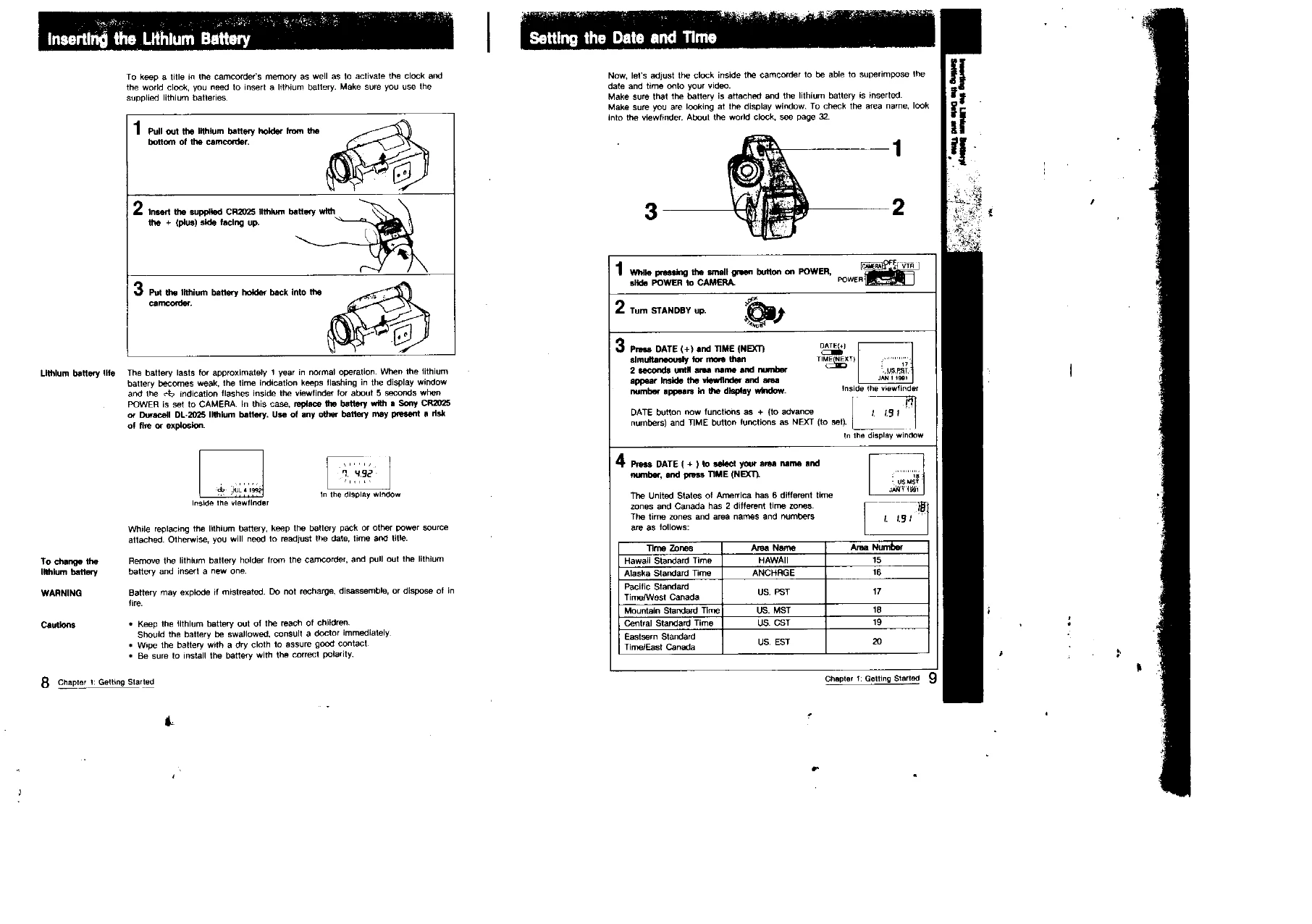
  2. Insert the lithium battery.
  3. Set the date and time.
  4. Insert a tape.
  5. Adjust the viewfinder lens.

Camera Recording:

  • Slide POWER to CAMERA.
  • Turn STANDBY up.
  • Press START/STOP to begin recording.
  • Press START/STOP again to stop recording.

Playing Back a Tape:

  • Connect the camcorder to a TV.
  • Set INPUT/OUTPUT to OUTPUT.
  • Slide POWER to VTR.
  • Insert a tape and press PLAY.

Using the Remote Commander:

  • Insert battery into the remote.
  • Set camcorder to ON and POWER to CAMERA/VTR as needed.
  • Point remote at camcorder and press buttons.
Privacy Policy