Manual for CCD-TR930

Manual for CCD-TR930

Brand: SONY

Category: Camcorder

Document Type: Manual

Language: EN
Uploaded: Aug. 10, 2025, 12:25 a.m.

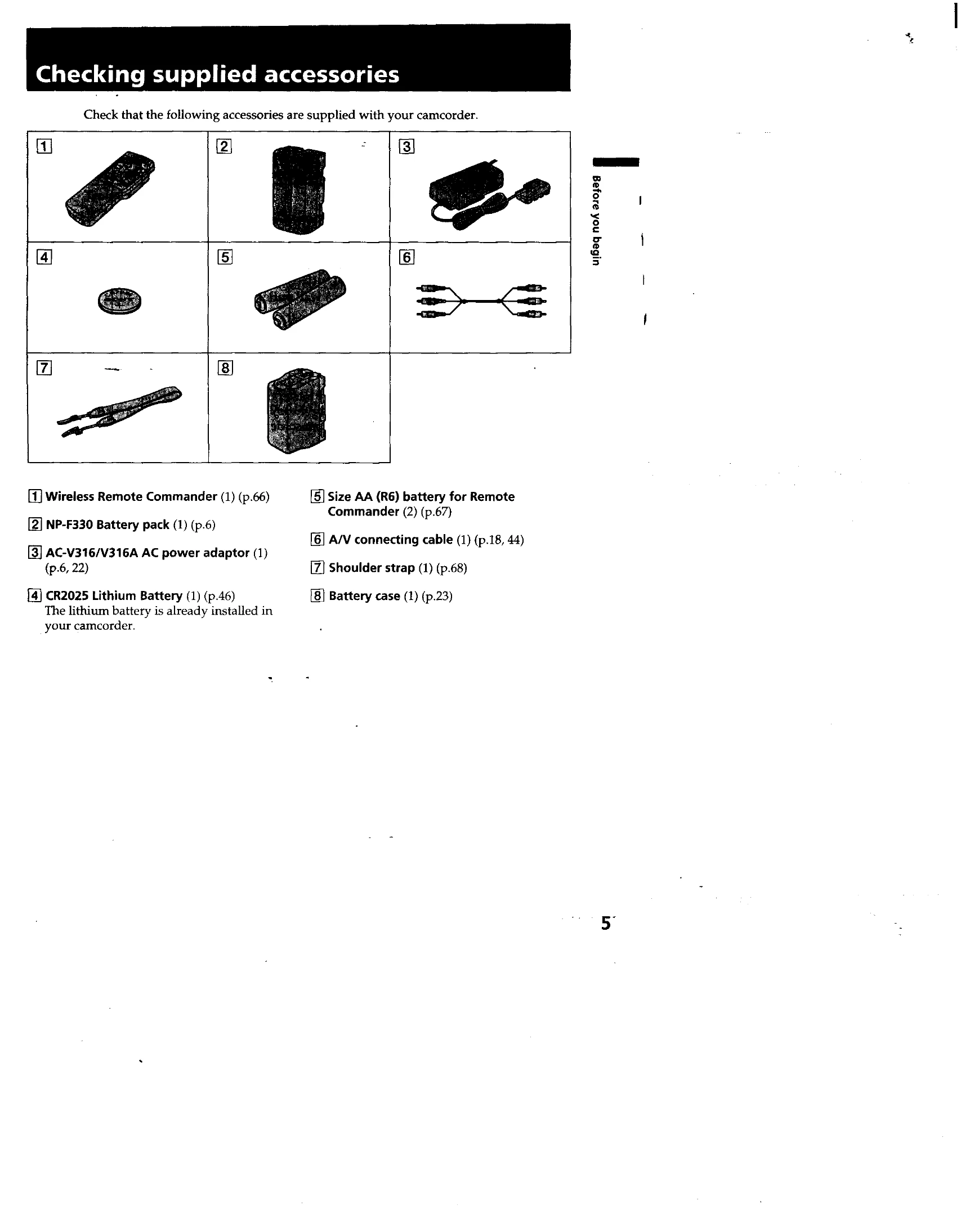
  • Charging and Installing the Battery Pack: Charge the "InfoLITHIUM" battery using the supplied AC power adaptor. Install the charged battery pack into the camcorder.
  • Inserting a Cassette: Open the cassette compartment, insert a Hi8 video cassette with the window facing out, and close the compartment.
  • Camera Recording: Set the power switch to CAMERA, turn STANDBY up, and press START/STOP to begin recording. Press START/STOP again to stop momentarily or to finish recording.
  • Using the Zoom Feature: Use the power zoom lever to change the size of the subject. Use sparingly for professional-looking recordings.
  • Checking Recorded Picture: Use EDITSEARCH to review the last recorded scene or the recorded picture in the viewfinder.
  • Connections for Playback: Connect the camcorder to a TV or VCR using the supplied A/V connecting cable or an optional S-video cable for playback.
  • Playing Back a Tape: Set the power switch to VTR, insert the recorded tape, rewind if necessary, and press PLAY to start playback.
  • Using Alternative Power Sources: The camcorder can be powered by the battery pack, house current, alkaline battery, or a car battery.

Troubleshooting and error codes

Symptom Corrective Actions
The VTR/CAMERA or CHARGE lamp does not light. • Disconnect the power cord. After about 1 minute, reconnect the power cord.
The CHARGE lamp flashes. • See the following chart.
Privacy Policy