Manual for CCD-TRV62/TRV72/TRV82

Manual for CCD-TRV62/TRV72/TRV82

Brand: SONY

Category: Camcorder

Document Type: Manual

Language: EN
Uploaded: Aug. 10, 2025, 12:15 a.m.

Manual Publish Date: 1997-01-01

Getting Started:

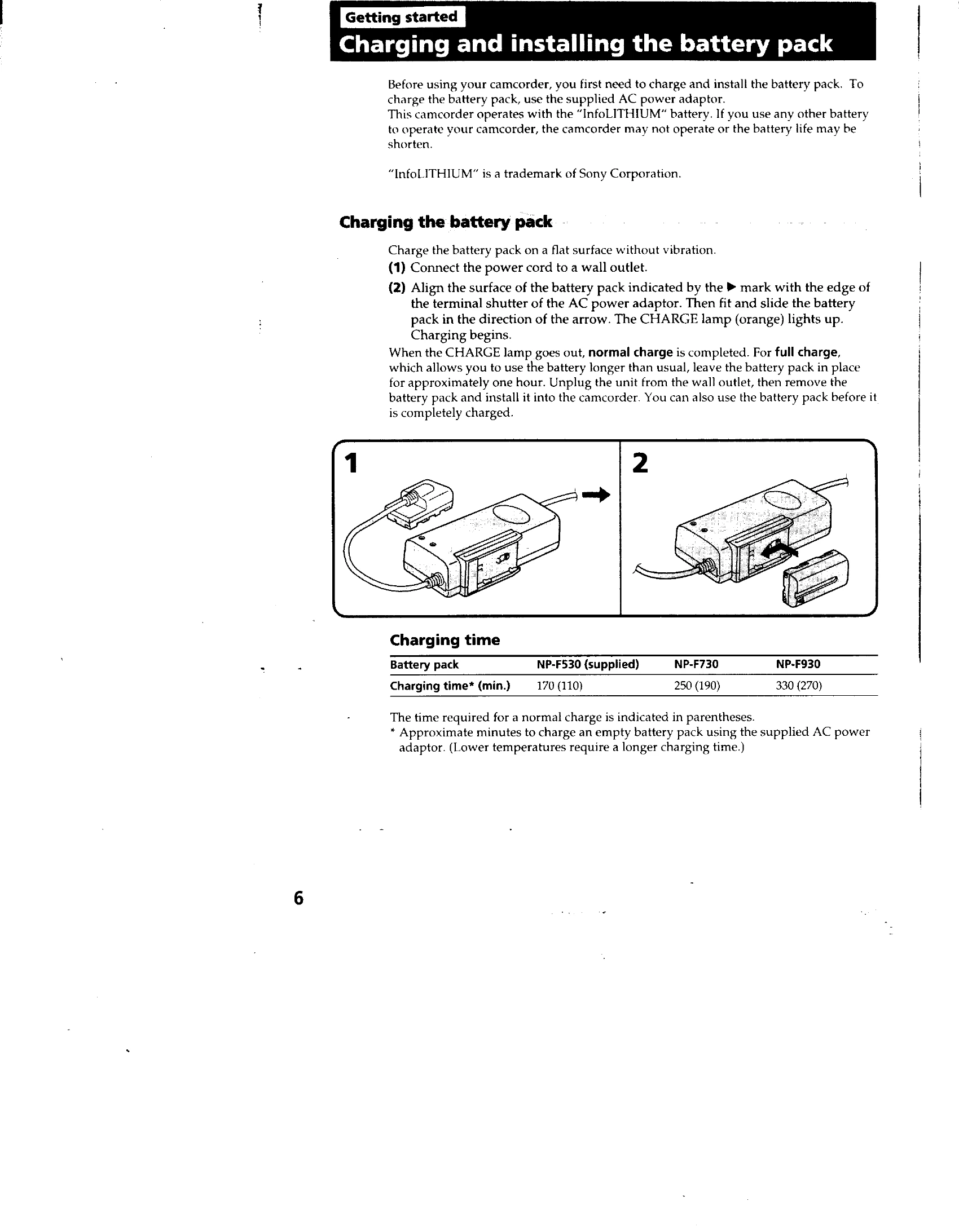
  • Charging Battery Pack: Connect the supplied AC power adaptor to a wall outlet and the battery pack. The CHARGE lamp indicates charging status.
  • Installing Battery Pack: Lift the viewfinder, then slide the battery pack into the camcorder until it clicks.
  • Inserting Cassette: Eject the cassette compartment, insert a Hi8 video cassette with the window facing out, and close the compartment.

Basic Operations:

  • Camera Recording: Set the POWER switch to CAMERA, turn STANDBY up, and press START/STOP to begin recording. Press START/STOP again to stop.
  • Zooming: Use the power zoom lever to adjust the subject's size. Move it for a faster zoom, and a little for a slower zoom.
  • Selecting START/STOP Mode: Choose between normal, ANTI GROUND SHOOTING, or 5SEC modes for different recording styles.
  • Shooting with LCD Screen: Open the LCD panel to record using the screen. Adjust brightness as needed.
Privacy Policy