Brand: SONY
Category: Camcorder
Document Type: Manual
Language: EN
Brand: SONY
Category: Camcorder
Document Type: Manual
Language: EN
Uploaded: Aug. 10, 2025, 12:16 a.m.
None
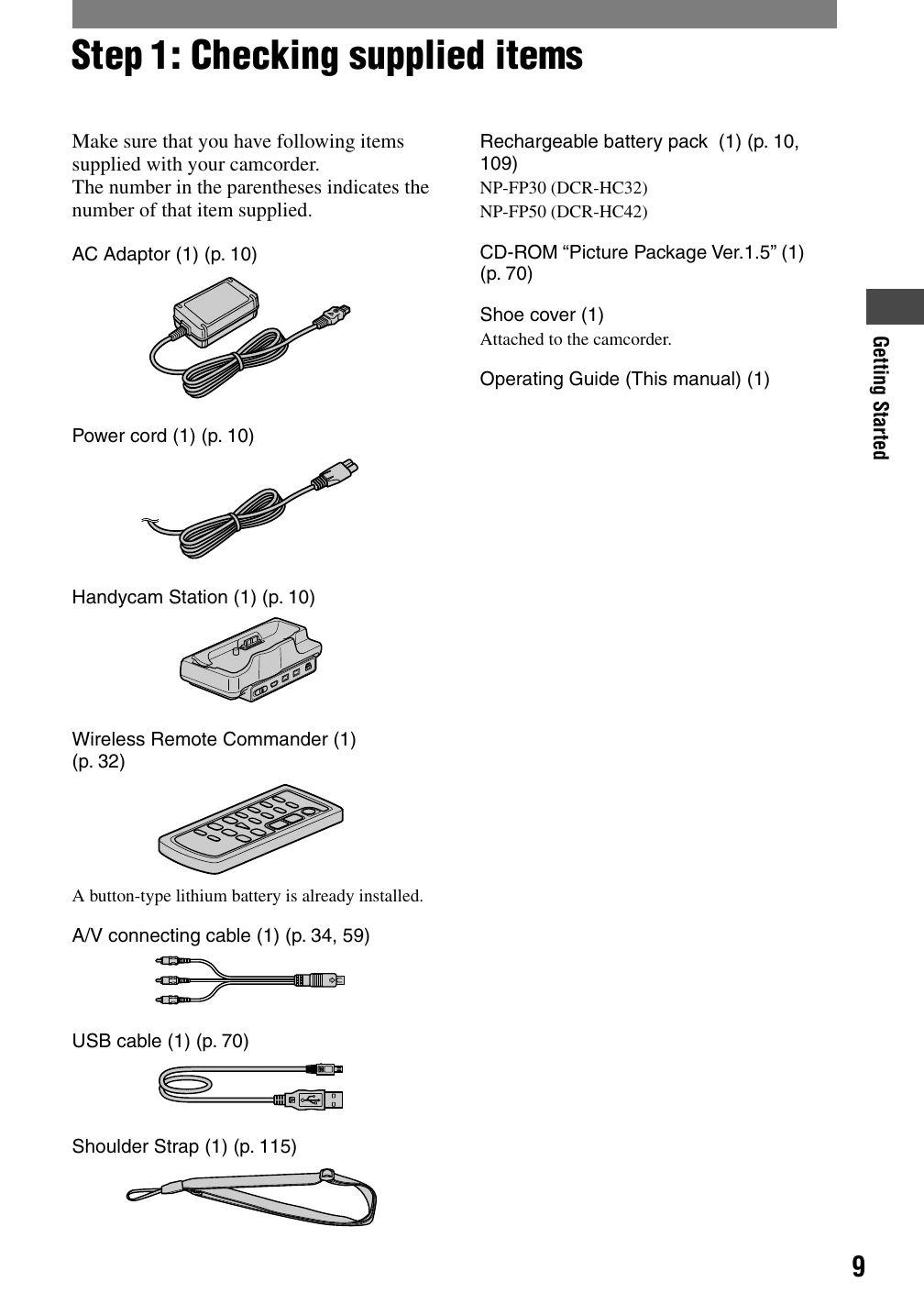
Getting Started: Includes checking supplied items, charging the battery pack, turning the camcorder on, adjusting the LCD panel and viewfinder, using the touch panel, setting the date and time, inserting media, and selecting aspect ratio.
Recording/Playback: Covers easy Handycam operation for recording movies and still images, as well as playback. Options include adjusting zoom, using NightShot plus, adjusting exposure, and basic playback controls.
Dubbing/Editing: Details connecting to VCR/TV, dubbing to other devices, and transferring content.
Using a Computer: Instructions for installing software, viewing guides, and connecting to a PC.
Troubleshooting: Guides users through common issues and provides solutions.