Manual for DCR-HC90

Manual for DCR-HC90

Brand: SONY

Category: Camcorder

Document Type: Manual

Language: EN

Uploaded: Aug. 10, 2025, 12:19 a.m.

Manual Publish Date: 2005-01-01
Getting Started:
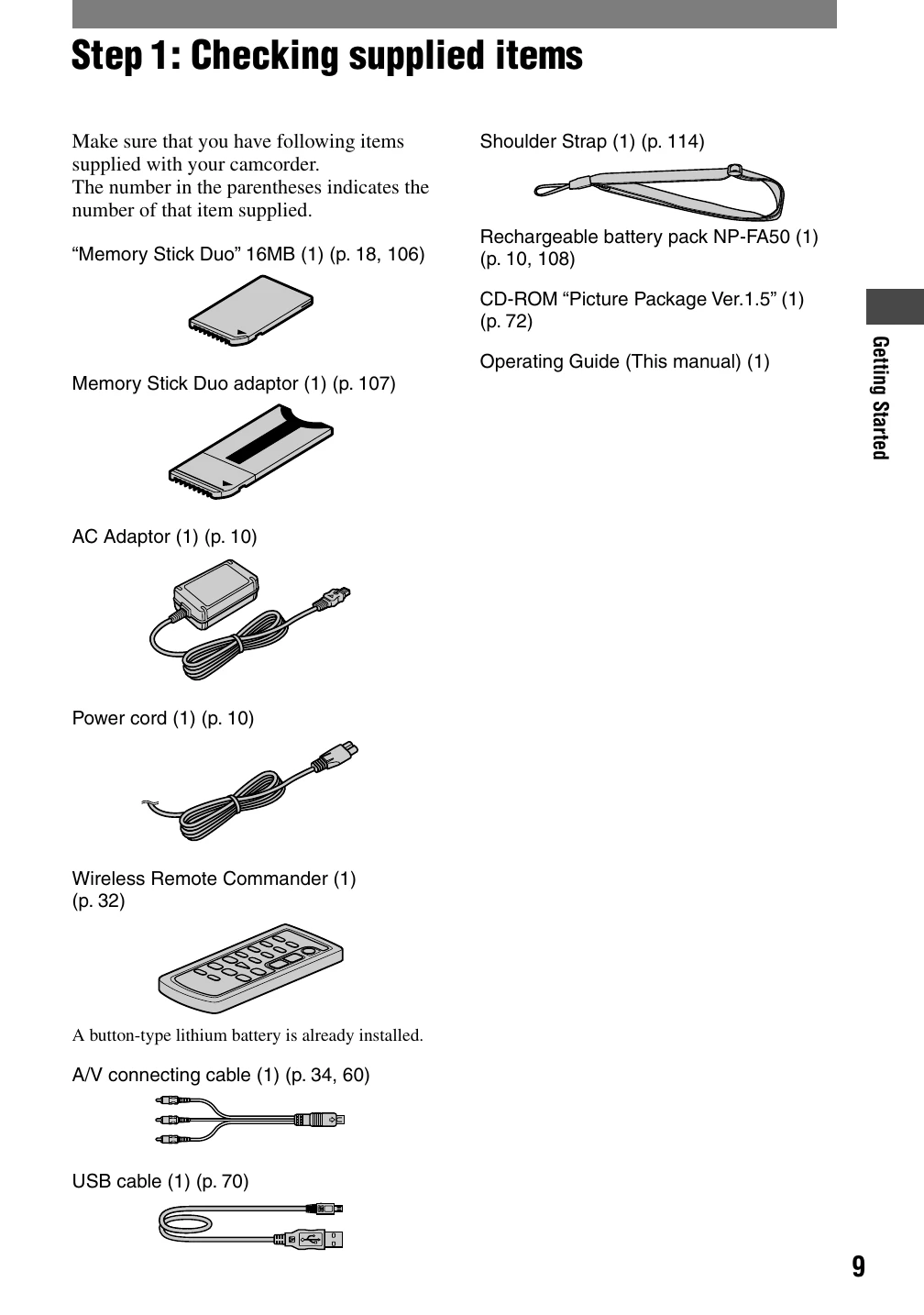
  • Check supplied items (p. 9).
  • Charge the battery pack (p. 10-12).
  • Turn on the camcorder and hold it correctly (p. 13).
  • Adjust the LCD panel and viewfinder (p. 14).
  • Use the touch panel to navigate menus and settings (p. 15).
  • Set the date and time (p. 16).
  • Insert a mini DV cassette or Memory Stick Duo (p. 17-18).
  • Select aspect ratio (16:9 or 4:3) for recording (p. 19).
Recording/Playback:
  • Use Easy Handycam operation for simple recording and playback (p. 20-21).
  • Record movies or still images (p. 22).
Privacy Policy