Brand: SONY
Category: Camcorder
Document Type: Manual
Language: EN
Brand: SONY
Category: Camcorder
Document Type: Manual
Language: EN
Uploaded: Aug. 10, 2025, 12:24 a.m.
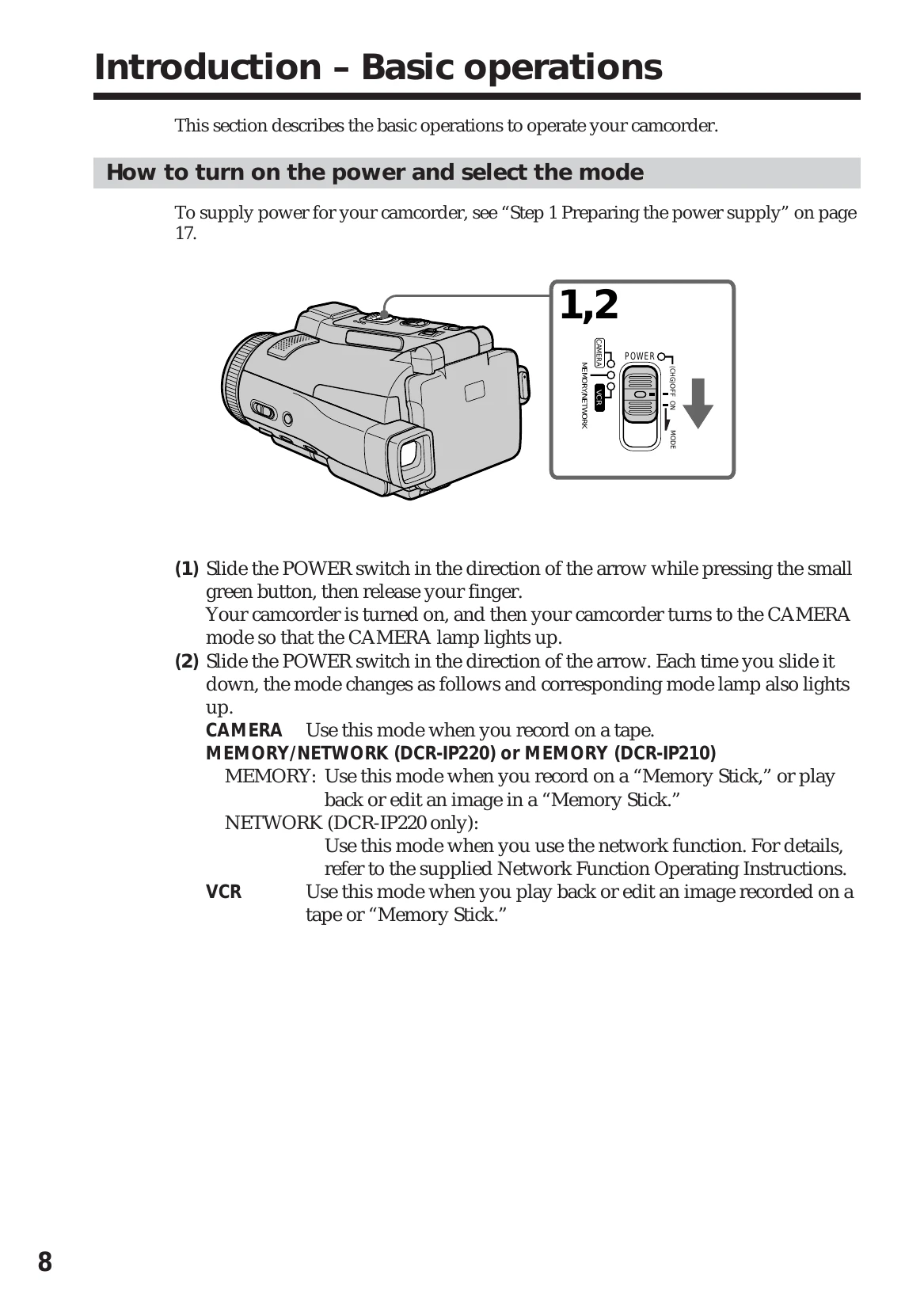
Powering On/Off: Slide the POWER switch to CAMERA or MEMORY/NETWORK. Slide it down to switch modes. Slide it to OFF to turn it off.
LCD Panel: Open the LCD panel to view the screen. It can be rotated for different viewing angles.
Recording: On Tape: Set POWER to CAMERA, remove lens cap, open LCD panel, press START/STOP to record. Press START/STOP again to stop.
On Memory Stick: Set POWER to MEMORY, remove lens cap, open LCD panel, press PHOTO lightly to focus, then press deeper to record a still image.
Playback: Set POWER to VCR, press the rewind button to rewind tape, press the play button to start playback.