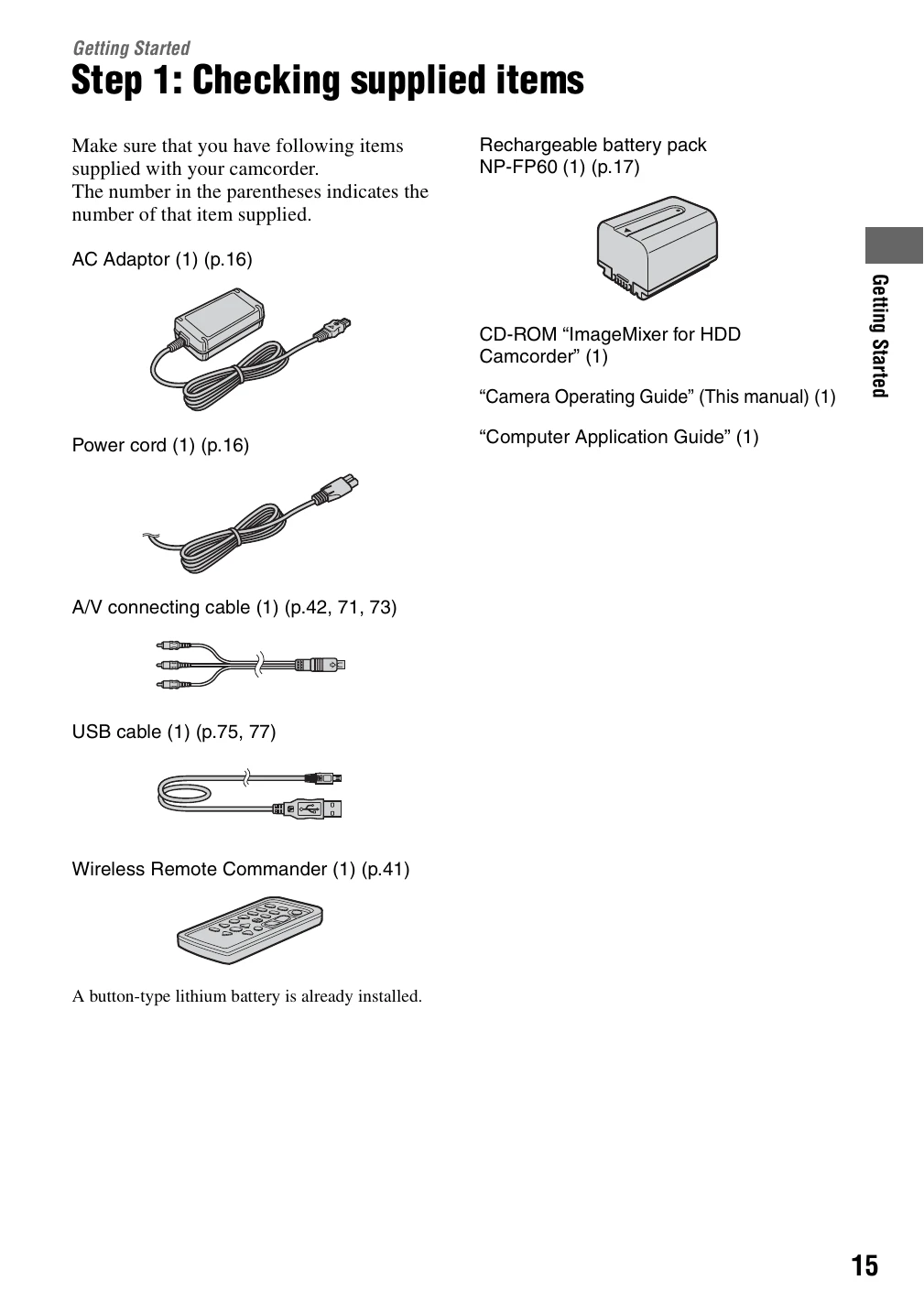
Checking supplied items: Ensure all accessories like AC Adaptor, battery pack, cables, and manuals are present.
Charging the battery pack: Connect the battery pack to the camcorder, then connect the AC Adaptor and power cord. The CHG lamp indicates charging status.
Turning the power on and holding: Slide the POWER switch. Hold the camcorder correctly with a firm grip and fasten the belt.
Adjusting LCD screen and viewfinder: Open and rotate the LCD screen for optimal viewing. Extend and adjust the viewfinder for clarity.
Using the touch panel: Navigate menus and playback images by touching the LCD screen.
Setting date and time: Set the correct date, time, and geographical area for accurate recording information.