Manual for DCR-SR40/SR60/SR80

Manual for DCR-SR40/SR60/SR80

Brand: SONY

Category: Camcorder

Document Type: Manual

Language: EN

Uploaded: Aug. 10, 2025, 12:15 a.m.
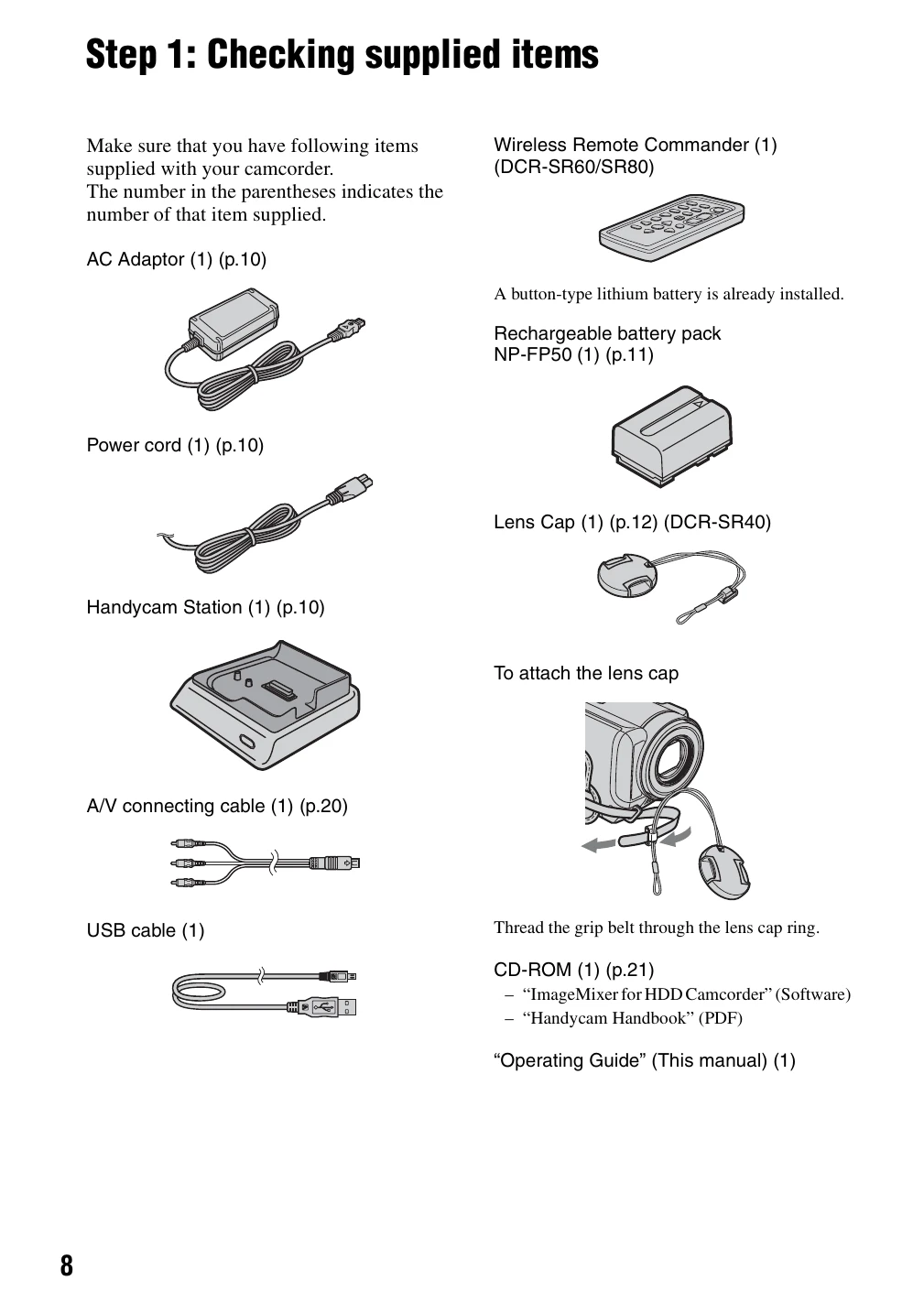
  • Getting Started: Check supplied items, charge battery, turn on and set date/time, adjust settings.
  • Recording: Slide power switch, press START/STOP for movies or PHOTO for still images.
  • Playback: Slide power switch to (PLAY/EDIT), select movie or still image, use controls to play.
  • Connecting to Devices: Use A/V, USB, or REMOTE jacks as needed.
  • Setup: Access setup items via P-MENU or SETUP for various customizations.
Privacy Policy