Manual for DCR-SR42/SR62/SR82/SR200/SR300

Manual for DCR-SR42/SR62/SR82/SR200/SR300

Brand: SONY

Category: Camcorder

Document Type: Manual

Language: EN

Uploaded: Aug. 10, 2025, 12:25 a.m.
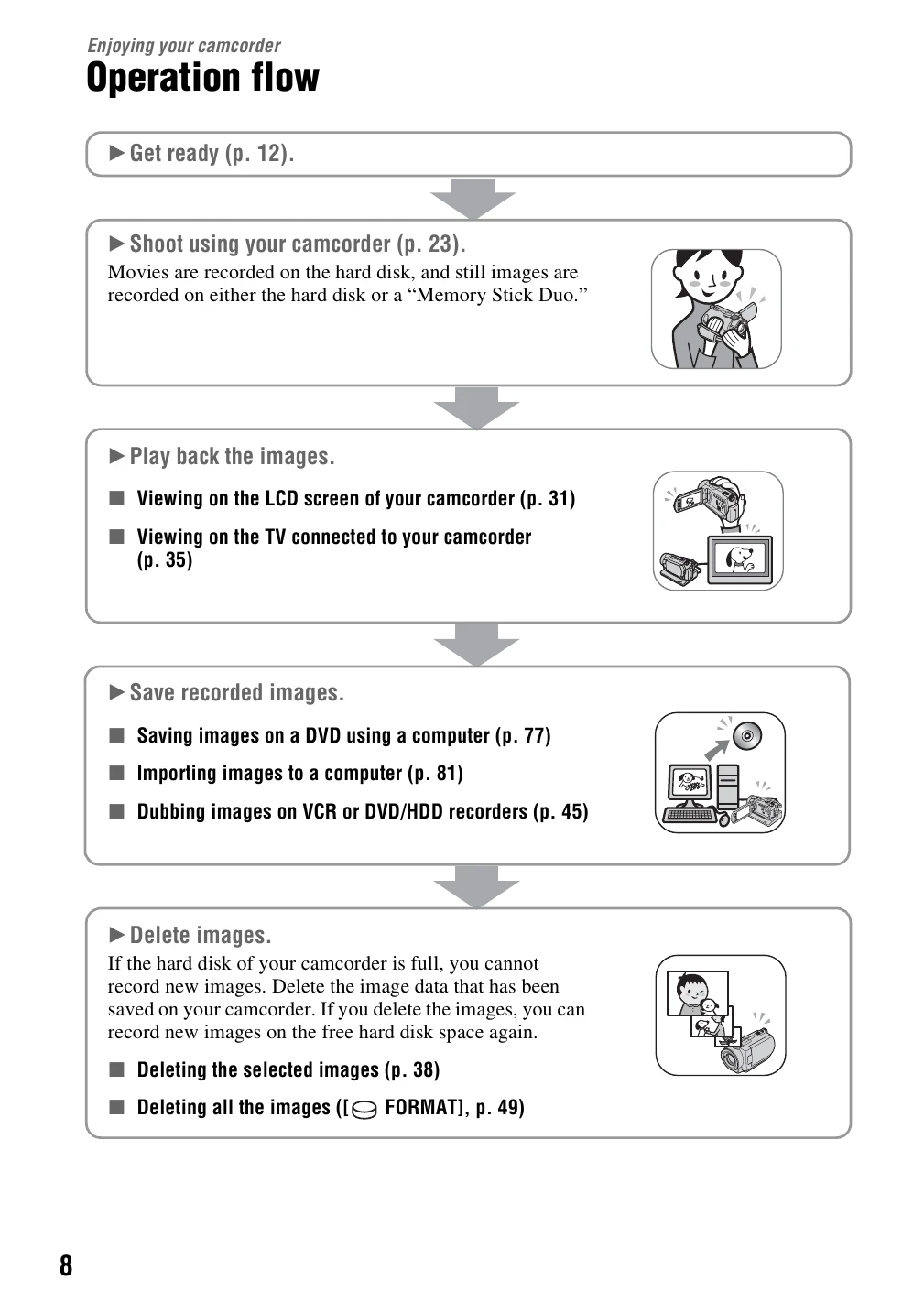
  • Get Ready: Ensure all supplied items are present. Charge the battery pack and insert it into the camcorder.
  • Record Movies: Turn the POWER switch to record movies, press EASY, then START/STOP to begin recording. Press START/STOP again to stop.
  • Record Still Images: Turn the POWER switch to record still images, press EASY, then press the PHOTO button to capture an image.
  • Playback: Press the VIEW IMAGES button to display recorded content. Navigate and select movies or still images to play back.
  • Save Recorded Images: Save images to a DVD using a computer, import them to a computer, or dub them to VCR/DVD/HDD recorders.
  • Delete Images: Delete selected images or all images to free up space on the hard disk.
Privacy Policy