Manual for DCR-SR42/SR62/SR82/SR200/SR300

Manual for DCR-SR42/SR62/SR82/SR200/SR300

Brand: SONY

Category: Camcorder

Document Type: Manual

Language: EN

Uploaded: Aug. 10, 2025, 12:17 a.m.
Getting Started

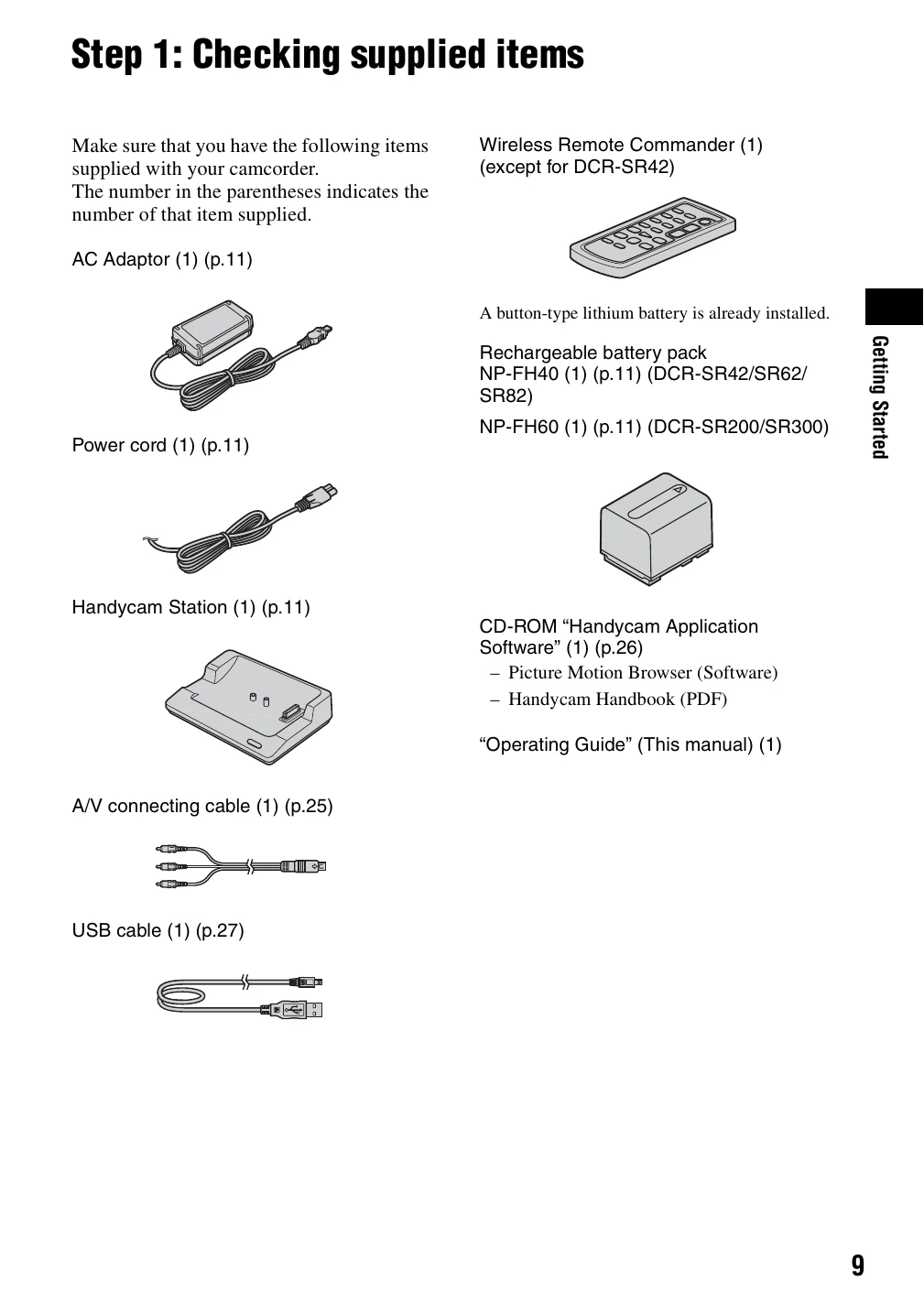
  • Step 1: Checking supplied items: Ensure all accessories are present.
  • Step 2: Charging the battery pack: Attach battery, connect AC adapter, and charge.
  • Step 3: Turning the power on, and setting the date and time: Power on the camcorder and set the date, time, and language.
  • Step 4: Preparing for recording: Adjust LCD panel, turn on power, select aspect ratio, and fasten grip belt.

Recording

  • Movies: Slide lens cover, turn on power, press START/STOP to record. Press again to stop.
  • Still Images: Press PHOTO lightly to focus, then press fully to capture.

Playback

  • Turn on power, press VIEW IMAGES button. Select movies or still images to play back.
Privacy Policy