Manual for DCR-TRV280

Manual for DCR-TRV280

Brand: SONY

Category: Camcorder

Document Type: Manual

Language: EN
Uploaded: Aug. 10, 2025, 12:16 a.m.

Warranty Information

No specific warranty period found in the provided text.

Quick Start:

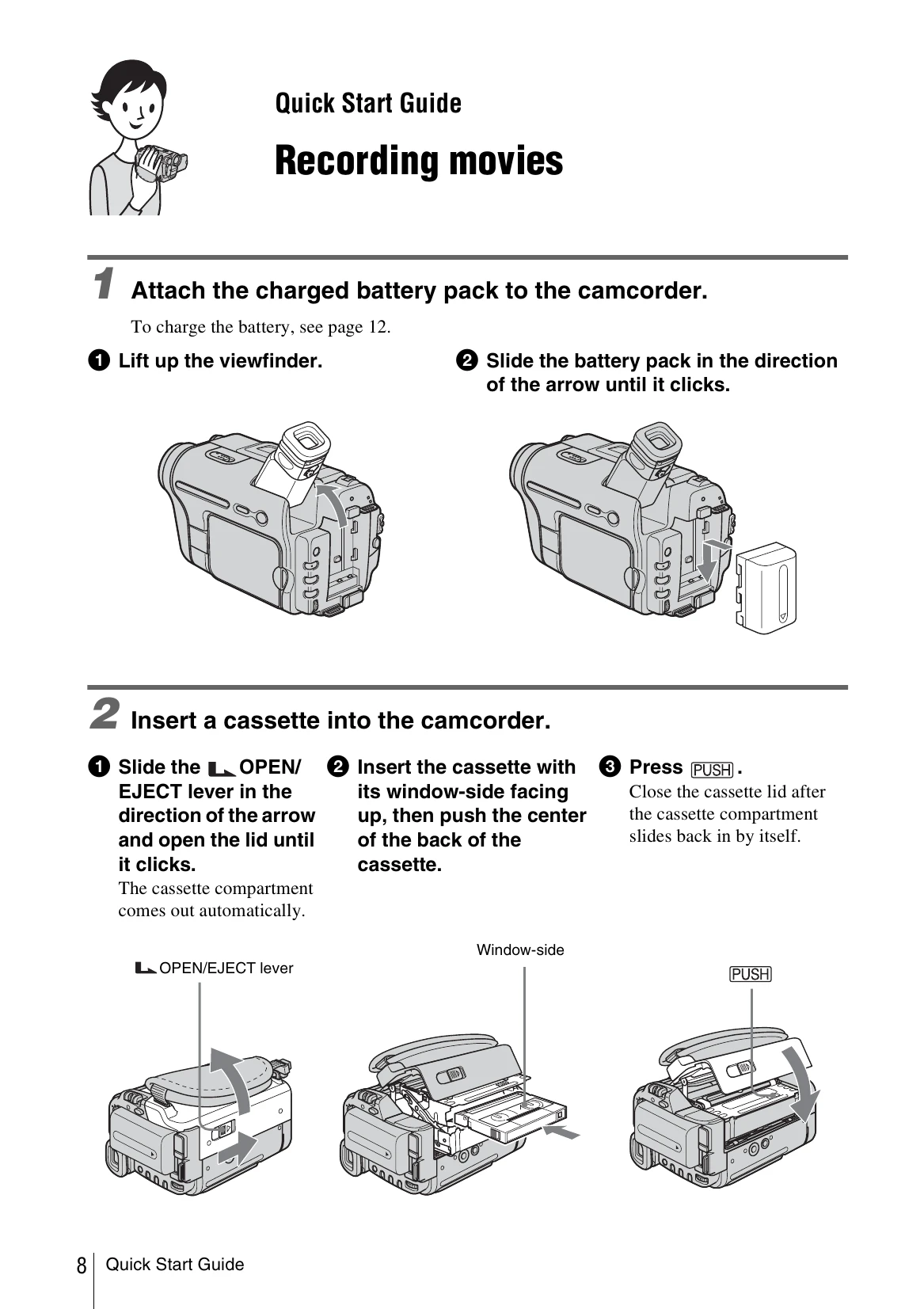
  • Attach battery pack.
  • Insert cassette tape.
  • Turn on camcorder using POWER switch, press OPEN to open LCD panel.
  • Start recording by pressing REC START/STOP.
  • Playback recorded video by sliding POWER switch to PLAY/EDIT and pressing PLAY.

Easy Handycam:

  • Press EASY button for simplified recording/playback.
Privacy Policy