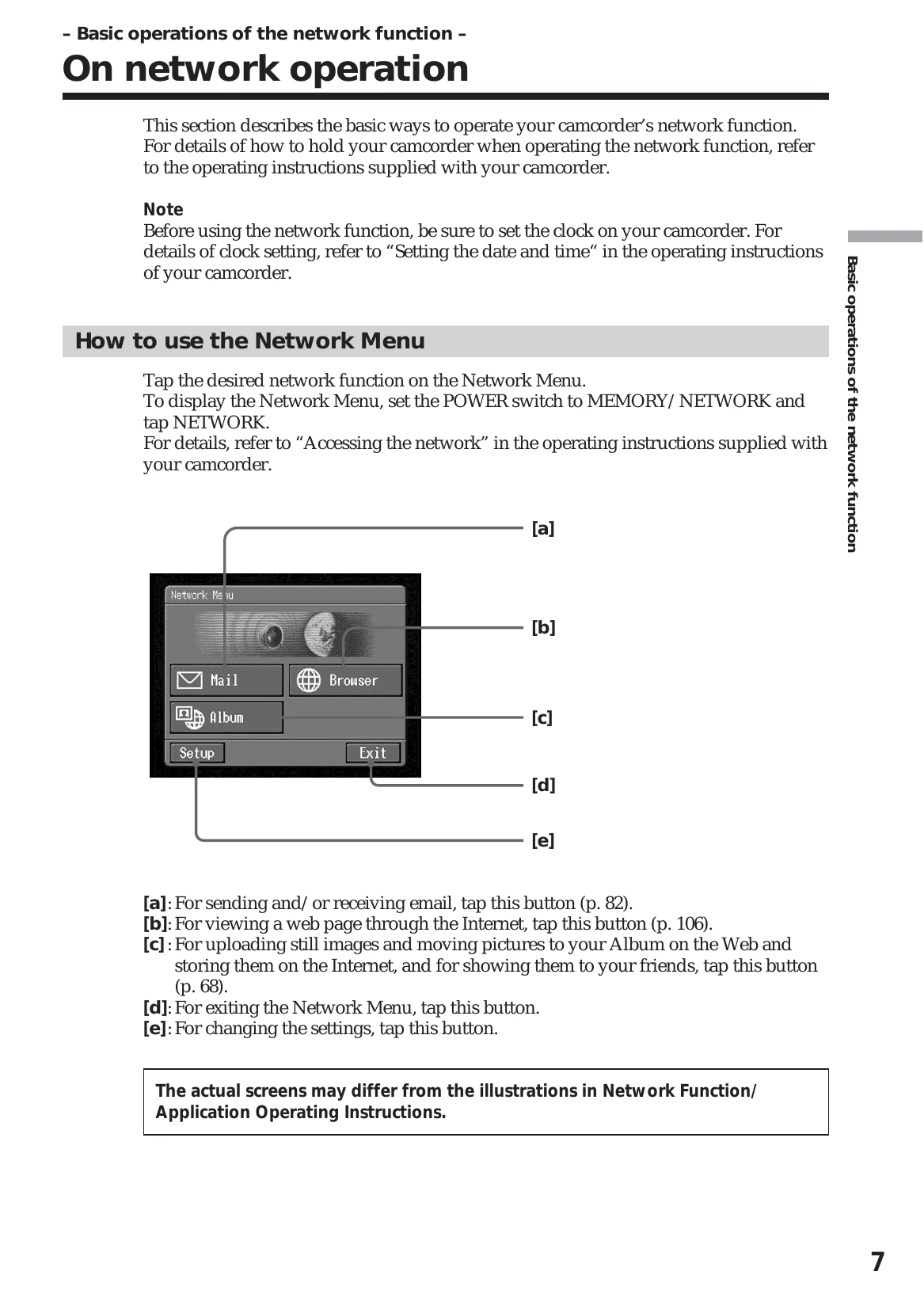
Network Menu: Access Mail, Browser, Album, and Setup functions by setting the POWER switch to MEMORY/NETWORK and tapping NETWORK.
Stylus Operation: Lightly tap screen buttons with the provided stylus. Icons turn orange when selected.
Inputting Characters: Use the on-screen keyboard to enter text for email addresses and URLs. Switch between alphabet and number input, and adjust case.
USB Device Setup: Connect to the Internet using a USB-PSTN Modem Adaptor or a USB-Ethernet Adaptor.