Basic Recording: Ensure power source and cassette are inserted. Set POWER switch to CAMERA. Press START/STOP to begin recording. Press START/STOP to pause and continue, or set POWER to OFF to finish.
Using LCD Screen: Open LCD panel. Adjust angle for comfortable viewing. Battery life is longer when LCD panel is closed.
Self-Timer: Press self-timer button to activate. Press START/STOP to begin countdown. Recording starts automatically after countdown.
Playback: Insert tape, set POWER to VTR. Press REW or FF to locate desired part, press PLAY to start playback. Use VOLUME and LCD BRIGHT to adjust.
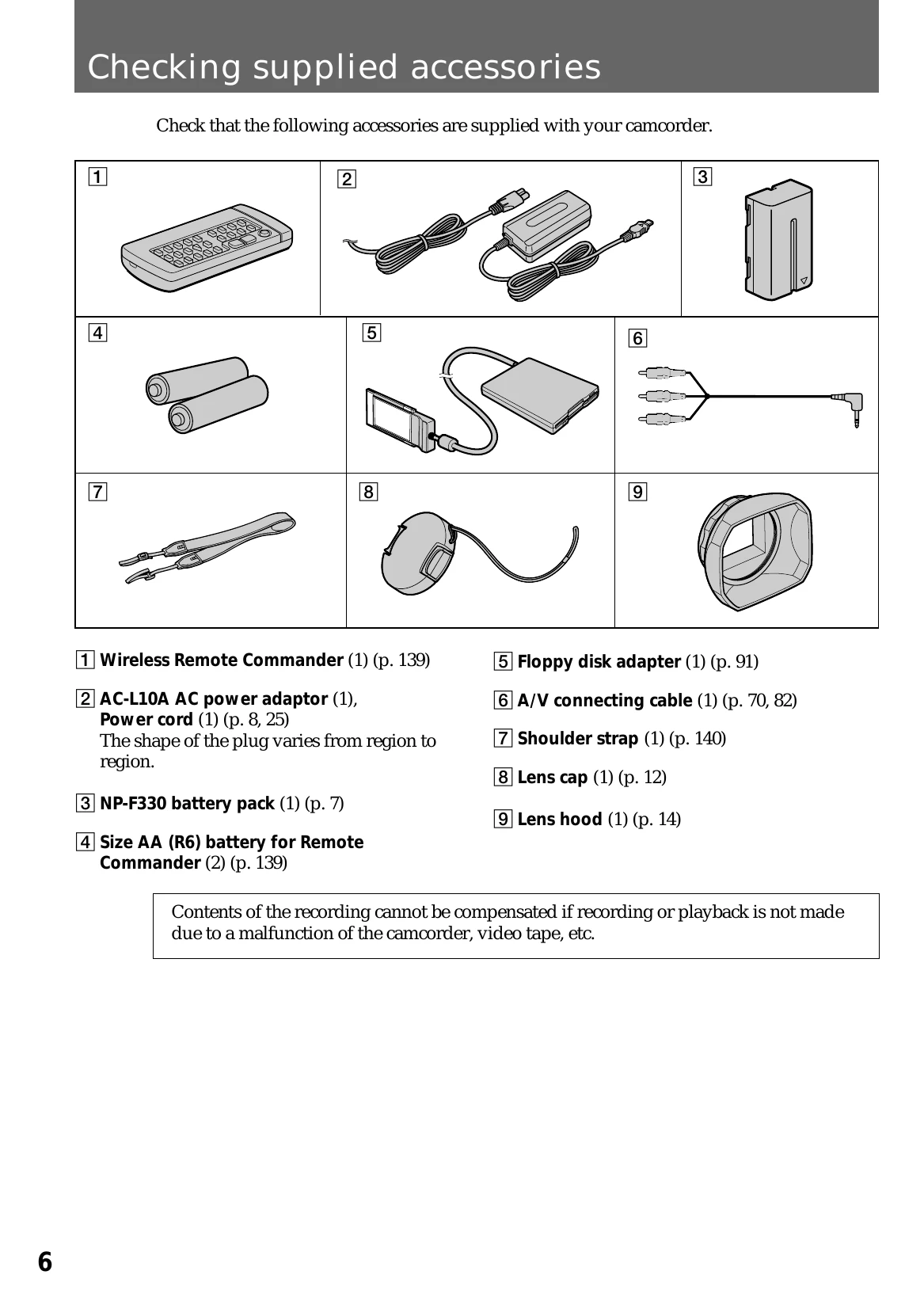
Remote Commander: Insert batteries. Aim at the remote sensor to operate functions like PLAY, STOP, and SEARCH.