Brand: SONY
Category: Camcorder
Document Type: Manual
Language: EN
Brand: SONY
Category: Camcorder
Document Type: Manual
Language: EN
Uploaded: Aug. 10, 2025, 12:22 a.m.
Recording a Picture:
1. Remove the hood cap and attach it to the string.
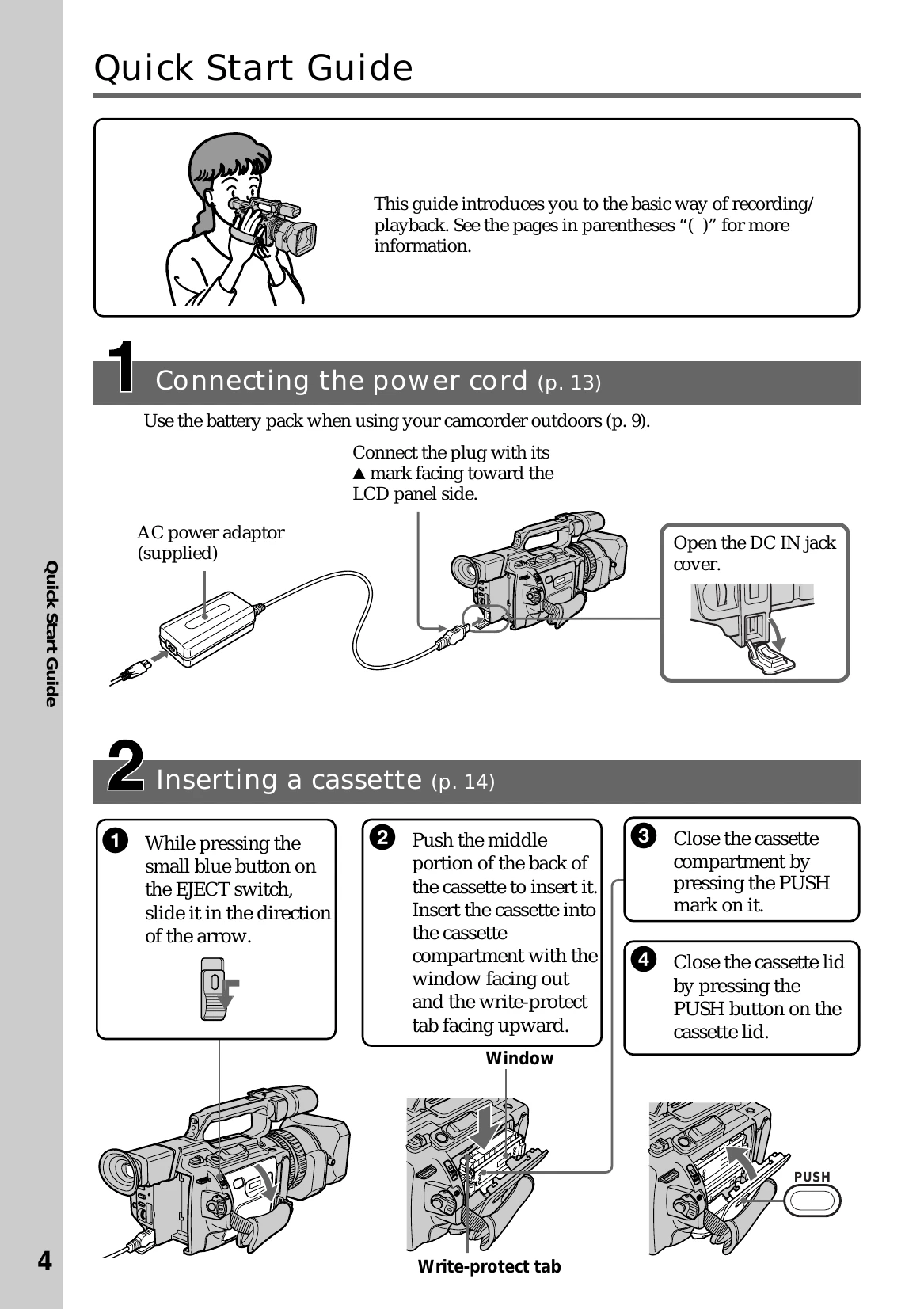
2. Install the power source and insert a cassette.
3. Set the POWER switch to CAMERA. The camcorder is now in standby mode.
4. Slide OPEN to open the LCD panel. The picture is displayed on the LCD screen.
5. Press START/STOP to begin recording. The "REC" indicator lights up.
Playback:
1. Set the POWER switch to VCR.
2. Press the REW button to rewind the tape.
3. Press the PLAY button to start playback.