Brand: SONY
Category: Camcorder
Document Type: Manual
Language: EN
Brand: SONY
Category: Camcorder
Document Type: Manual
Language: EN
Uploaded: Aug. 10, 2025, 12:21 a.m.
Getting Started:
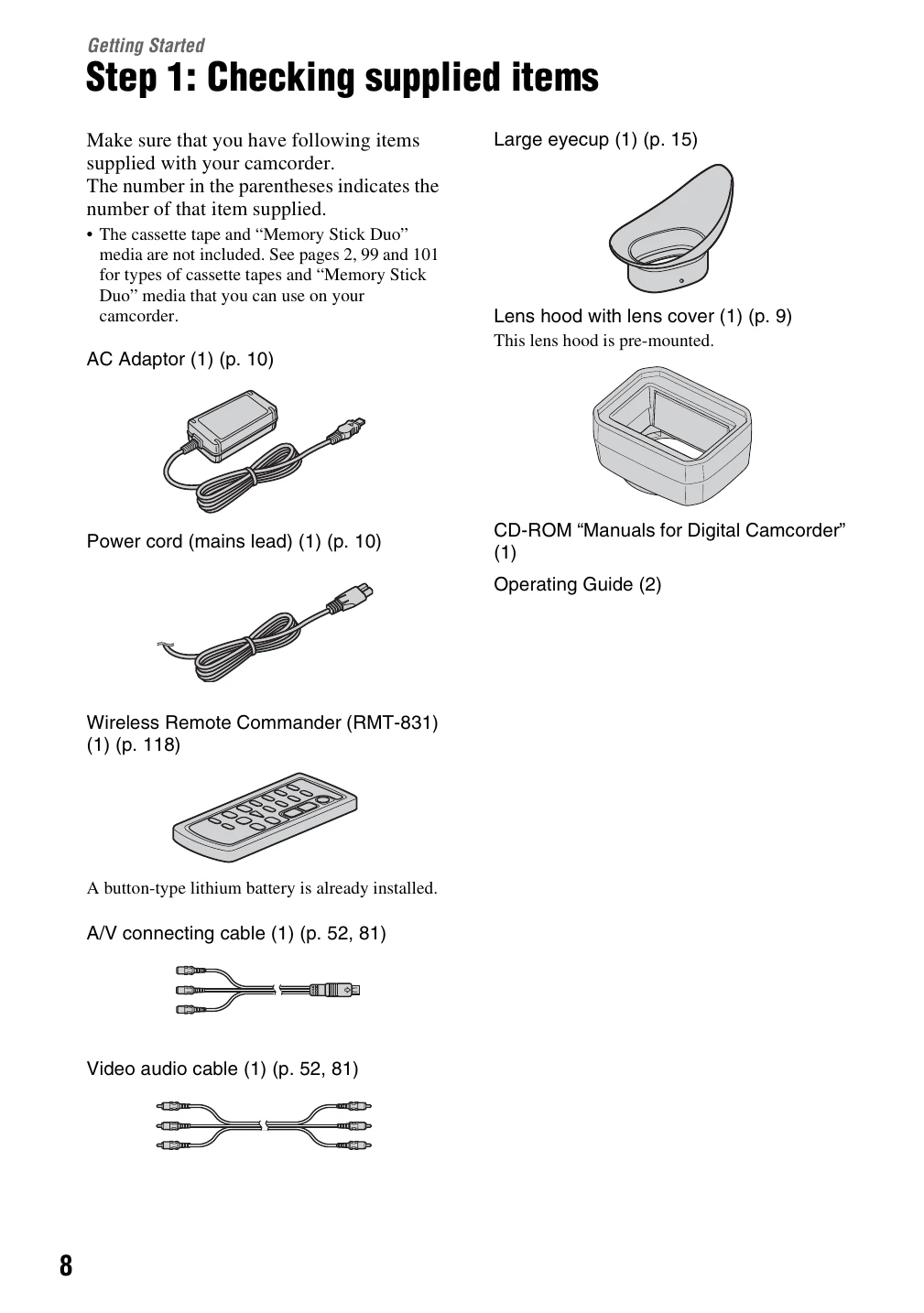
1. Check supplied items (Page 8).
2. Attach lens hood (Page 9).
3. Charge battery pack (Page 10).
4. Turn on camcorder and hold properly (Page 13).
5. Adjust LCD panel and viewfinder (Page 14).
6. Set date and time (Page 16).
7. Insert tape or Memory Stick Duo (Page 18).
Recording Movies:
1. Open lens shutter (Page 20).
2. Set POWER to CAMERA (Page 20).
3. Press REC START/STOP button (Page 20).
Capturing Still Images:
1. Assign [PHOTO] to ASSIGN button (Page 22).
2. Press ASSIGN 7/PHOTO button (Page 22).