Brand: SONY
Category: Camcorder
Document Type: Manual
Language: EN
Brand: SONY
Category: Camcorder
Document Type: Manual
Language: EN
Uploaded: Aug. 10, 2025, 12:21 a.m.
None
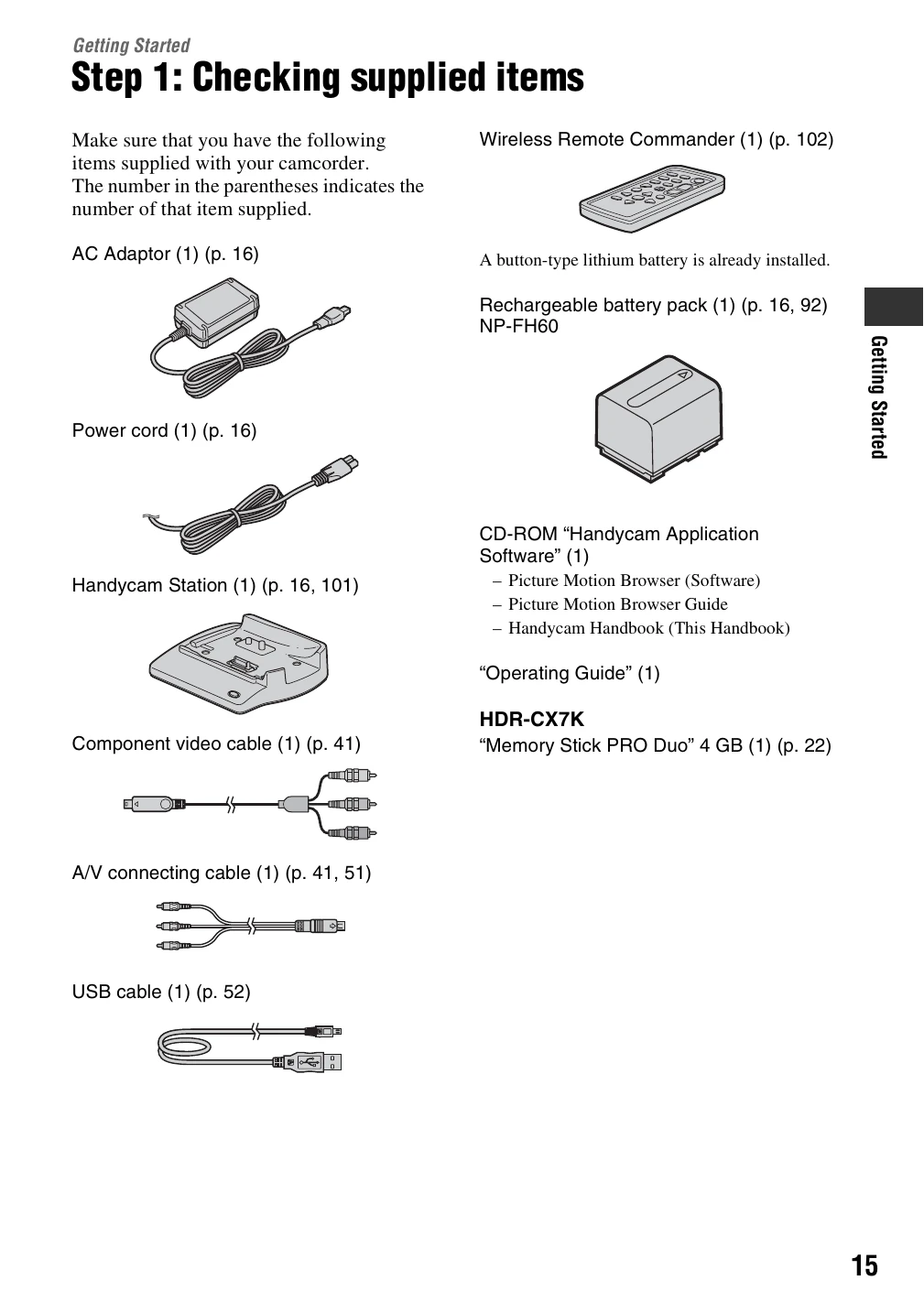
Get Ready: Check supplied items and charge the battery pack (p. 15-16). Set the date and time (p. 20) and adjust the camcorder settings like the LCD panel (p. 21). Insert a "Memory Stick PRO Duo" (p. 22).
Record: Slide the POWER switch to turn on the camcorder. Use the POWER switch to select Movie or Still mode. Press the START/STOP button to begin recording. Select HD or SD image quality as needed (p. 8, 28).
Playback: View recorded images on the camcorder's LCD screen or connect to a TV. Save recorded images to a computer or disc for backup (p. 9).