Manual for HDR-HC1

Manual for HDR-HC1

Brand: SONY

Category: Camcorder

Document Type: Manual

Language: EN

Uploaded: Aug. 10, 2025, 12:20 a.m.
Read this first

Getting Started

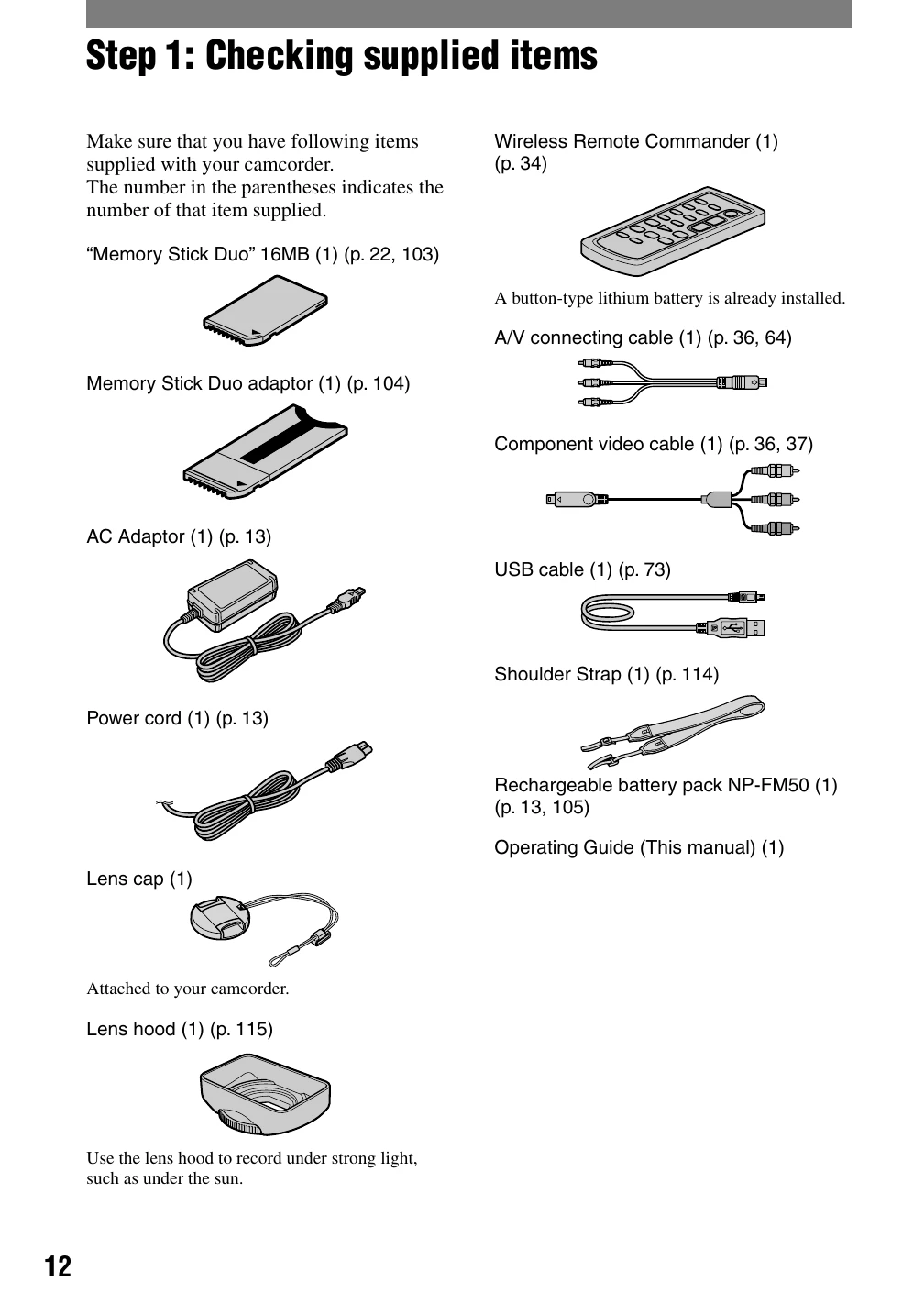
  • Step 1: Checking supplied items: Ensure all accessories are present.
  • Step 2: Charging the battery pack: Connect the AC adapter to the camcorder and a wall outlet to charge the battery.
  • Step 3: Turning the power on and holding your camcorder firmly: Remove lens cap, slide power switch to ON, and grip the camcorder securely.
  • Step 4: Adjusting the LCD panel and viewfinder: Open and position the LCD panel or viewfinder for optimal viewing.
  • Step 5: Using the touch panel: Navigate menus and playback recorded pictures by touching the LCD screen.
  • Step 6: Setting the date and time: Configure the date and time for accurate recording information.
  • Step 7: Inserting a tape or a "Memory Stick Duo": Load a mini DV cassette or a Memory Stick Duo into the respective slots.

Enjoying pictures with high definition quality

  • Trying out the new HDV format!: Learn about the benefits of HDV format for high-quality images.
  • Viewing video recorded in the HDV format!: Discover how to view HDV content on different TV types and equipment.
Privacy Policy