Manual for HDR-SR5/SR7/SR8

Manual for HDR-SR5/SR7/SR8

Brand: SONY

Category: Camcorder

Document Type: Manual

Language: EN
Uploaded: Aug. 10, 2025, 12:24 a.m.

Warranty Information

None

Get ready:

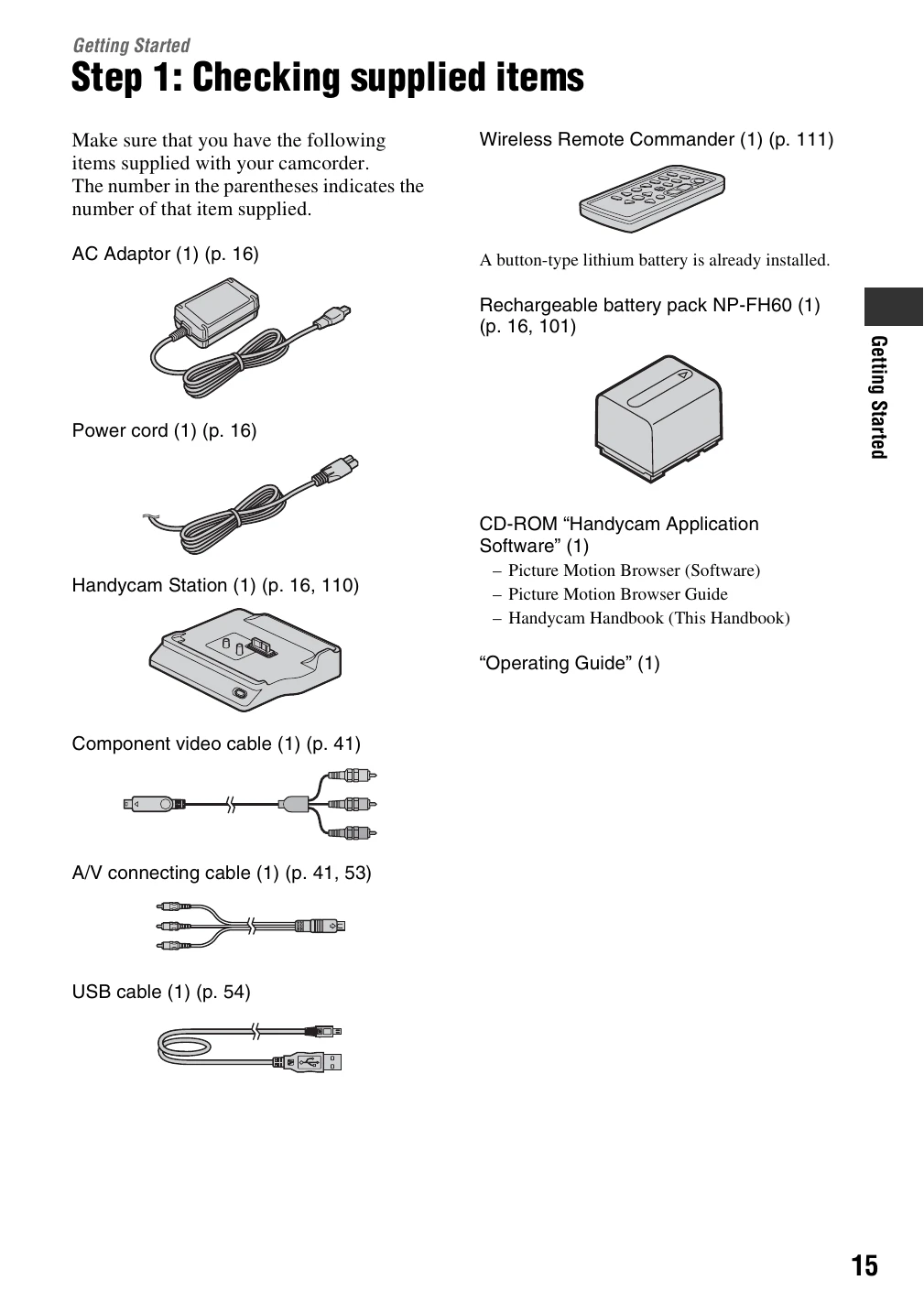
  • Check supplied items (p. 15).
  • Charge the battery pack (p. 16).
  • Turn on the power and set the date/time (p. 20).
  • Make initial setting adjustments (p. 21).

Record movies:

  • Press the power switch to turn on the camcorder.
  • Select movie recording mode.
  • Press the START/STOP button to begin recording and press again to stop.
  • Images are recorded on the hard disk in AVCHD format (HD) or MPEG2 format (SD).

Play back images:

  • Use the HOME menu or playback controls to select and play back recorded movies or still images.
  • Images can be viewed on the camcorder's LCD screen or an external TV.

Save and manage images:

  • Save images to a computer, VCR, or DVD/HDD recorder.
  • Delete unwanted images to free up space.
Privacy Policy