Brand: SONY
Category: Camcorder
Document Type: Manual
Language: EN
Brand: SONY
Category: Camcorder
Document Type: Manual
Language: EN
Uploaded: Aug. 10, 2025, 12:20 a.m.
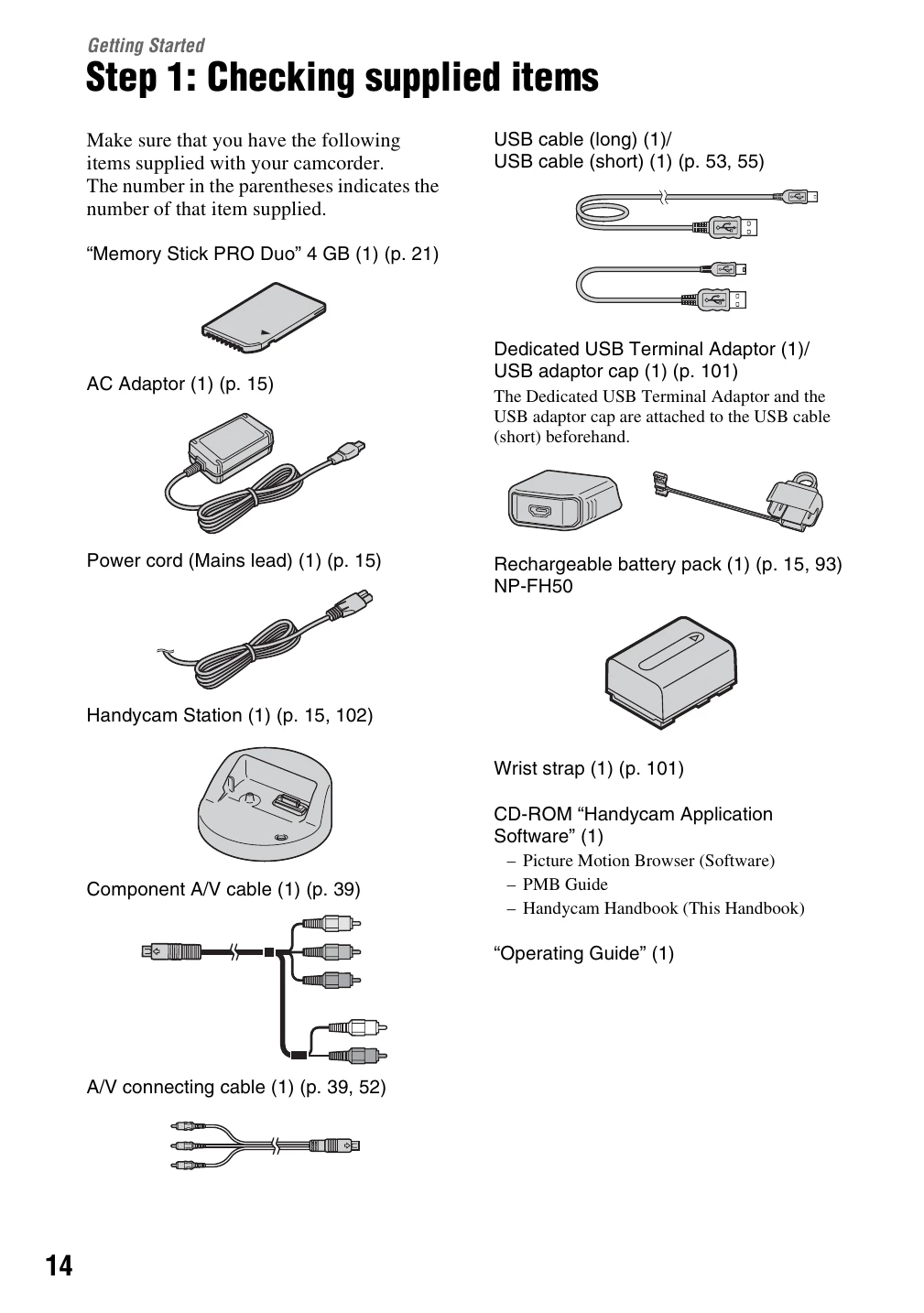
Get ready: Open the LCD panel (p. 18). Ensure you have the supplied items (p. 14). Insert a "Memory Stick PRO Duo" (p. 21).
Record movies: Open LCD, press EASY (p. 22). Press START/STOP to record. Press again to stop.
Record still images: Open LCD, slide select switch to (Still) (p. 22). Press EASY. Lightly press PHOTO for focus, fully press to capture.
Playback: Open LCD, select playback mode. Use buttons to navigate.
Power management: Close LCD to sleep. Press and hold DISP/BATT INFO to turn off LCD backlight to save battery.