Manual for HVR-S270E/S270P

Manual for HVR-S270E/S270P

Brand: SONY

Category: Camcorder

Document Type: Manual

Language: EN

Uploaded: Aug. 10, 2025, 12:20 a.m.
Getting Started:
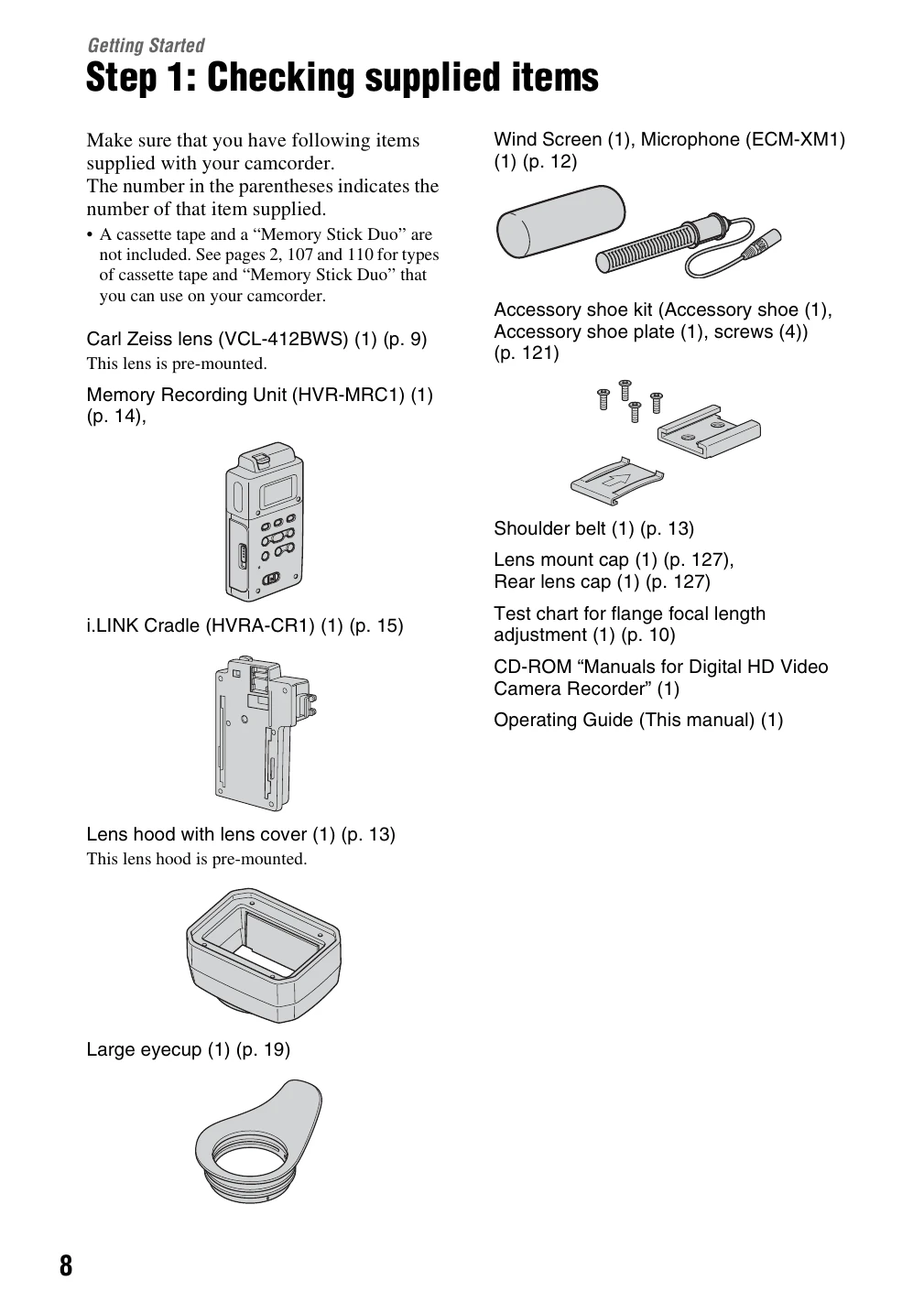
  • Checking Supplied Items: Verify all accessories are present.
  • Attaching Items: Mount lenses, microphone, shoulder strap, and Memory Recording Unit.
  • Power Supply: Charge and attach the battery pack or connect the AC adaptor.
  • Power On & Holding: Turn on the camcorder, set the camera/VCR switch, and hold properly.
  • Viewfinder & LCD Adjustment: Adjust viewfinder position, focus, and LCD brightness.
  • Date & Time Setting: Set the camcorder's internal clock.
  • Inserting Tape/Memory Stick: Prepare the recording media.
Basic Recording:
  • Adjust zoom, focus, exposure, white balance, and black balance.
  • Customize picture quality and adjust volume.
  • Assign functions to ASSIGN buttons.
Playback:
  • Check and change camcorder settings.
  • Connect to a monitor or TV for viewing.
Privacy Policy