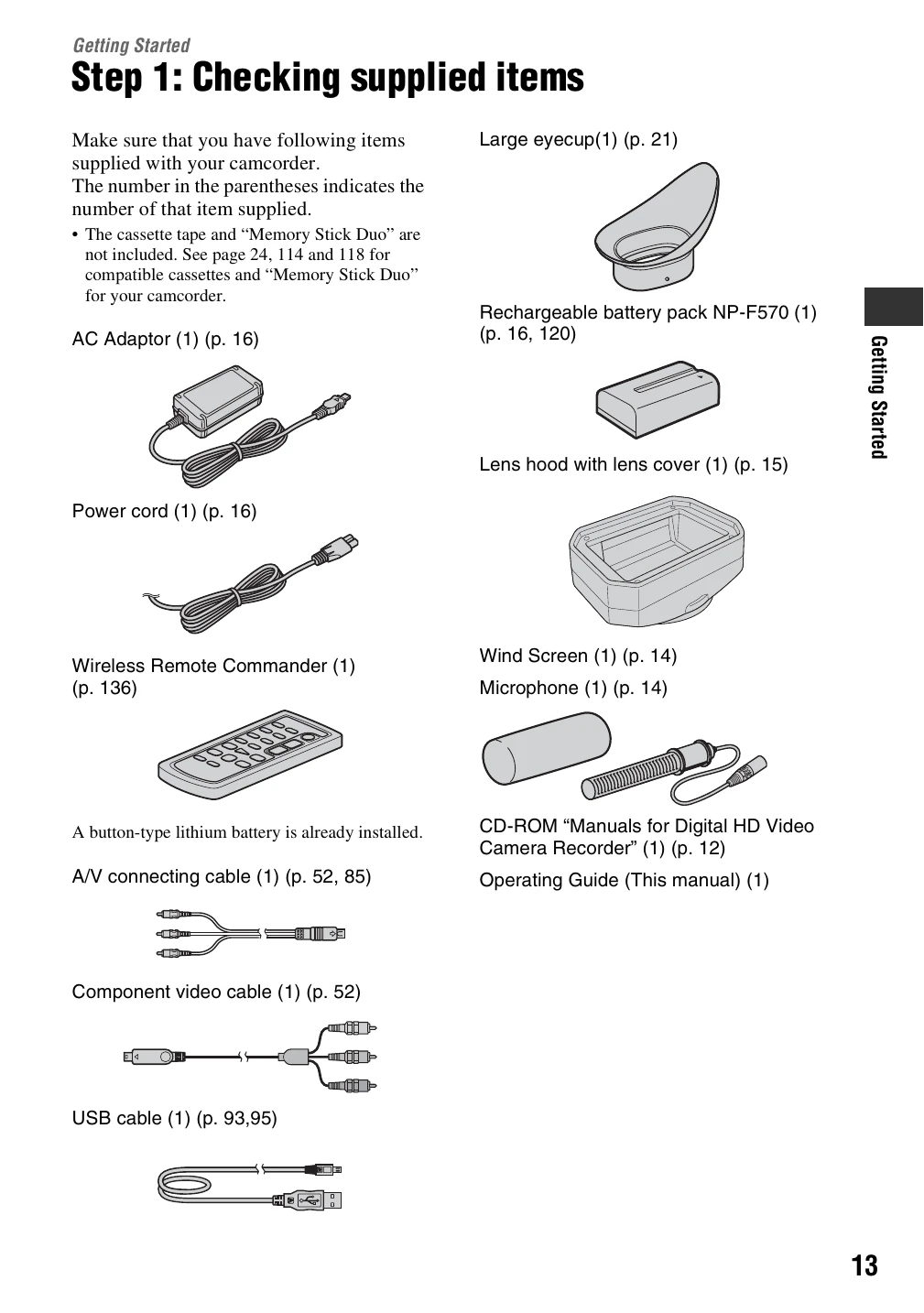
Getting Started: Includes steps for checking supplied items, attaching microphone and lens hood, charging battery, turning on/holding the camcorder, adjusting LCD and viewfinder, and setting date/time.
Recording/Playback: Covers recording, playback, changing recording settings (zoom, focus, exposure, white balance, picture profile, volume), assigning functions to buttons, and reviewing recorded scenes.
Using the Menu: Details various menu items for camera settings, audio settings, display settings, input/output settings, memory card settings, and other basic settings.
Dubbing/Editing: Explains how to dub to external devices, record from a VCR, copy movies to Memory Stick Duo, delete recorded pictures, and print images.
Using a Computer: Provides instructions for connecting to a computer and copying images/movies.
Troubleshooting: Offers solutions for common issues and explains warning indicators and messages.
Additional Information: Covers using the camcorder abroad, HDV/DVCAM/DV formats, Memory Stick, InfoLITHIUM battery, i.LINK, maintenance, and specifications.