Manual for HXR-NX100

Manual for HXR-NX100

Brand: SONY

Category: Camcorder

Document Type: Manual

Language: EN
Uploaded: Aug. 10, 2025, 12:21 a.m.

Getting Started:

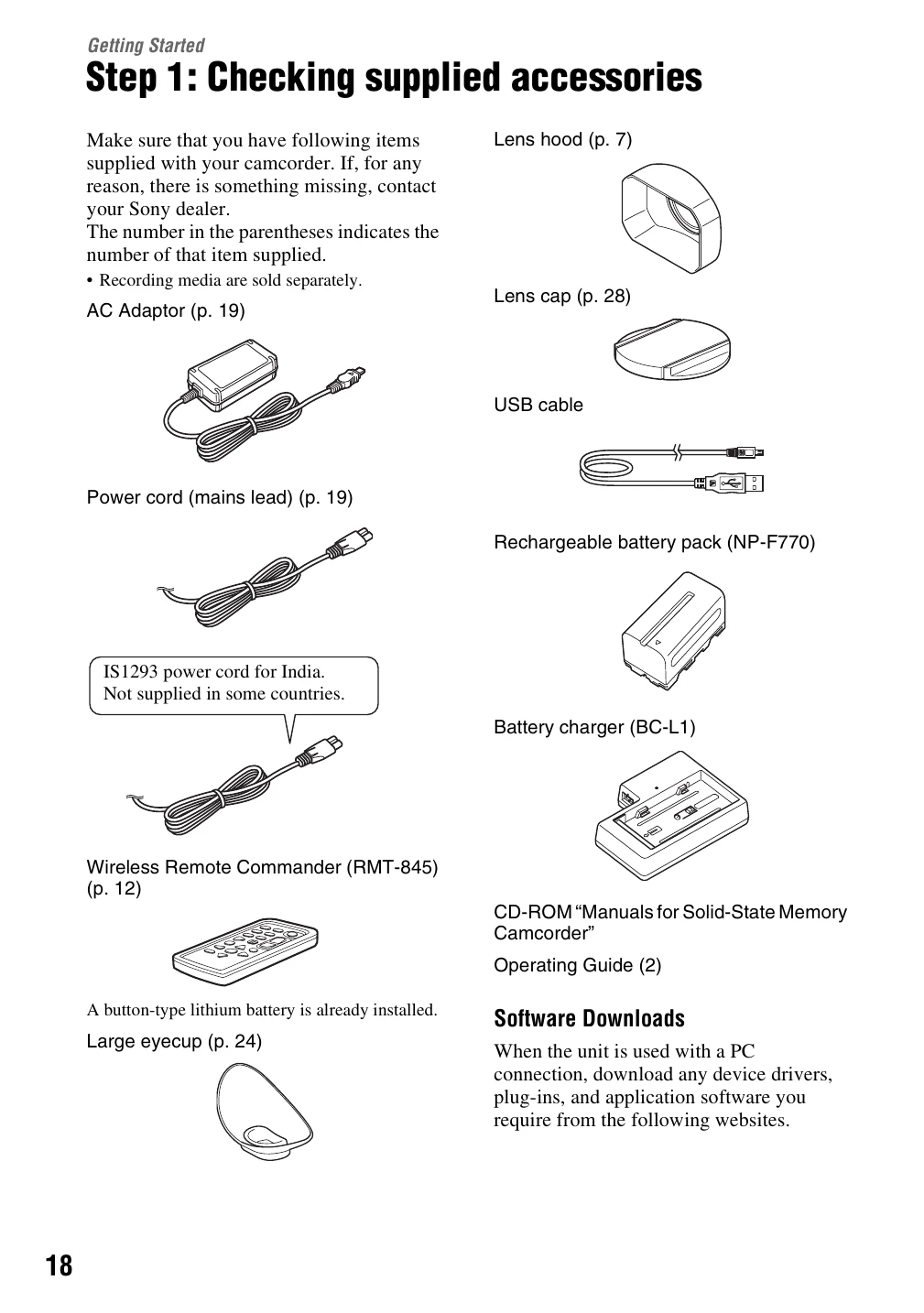
  • Step 1: Checking supplied accessories: Verify all included items are present.
  • Step 2: Charging the battery pack: Connect the AC adaptor to the camcorder or battery charger and the power outlet. Charge the battery until the CHG lamp turns off.
  • Step 3: Turning on the camcorder and setting the date and time: Turn the camcorder on. If it's the first use, set the date and time using the menu.
  • Step 4: Adjusting the LCD screen and viewfinder: Learn to use and adjust the LCD screen and viewfinder for optimal viewing.
  • Step 5: Preparing the recording media: Ensure your memory card is ready for recording.

Recording:

  • Basic recording functions, adjusting zoom and focus.
  • Changing recording settings like file format and picture quality.
  • Adjusting brightness, color tone, and audio settings.

Playback:

  • Playing back recorded movies.
  • Changing camcorder settings and connecting to external displays.

Editing:

  • Basic editing functions like protecting, dividing, and deleting movies.
  • Formatting recording media and repairing the image database file.

Using the Menu:

  • Navigate and utilize various menu settings for camera, recording, audio, display, time code, and other options.

Troubleshooting:

  • Guidance on common issues and warning indicators.

Additional Information:

  • Details on recording time, using the camcorder abroad, file structure, maintenance, and specifications.
Privacy Policy