Brand: SONY
Category: Camcorder
Document Type: Manual
Language: EN
Brand: SONY
Category: Camcorder
Document Type: Manual
Language: EN
Uploaded: Aug. 10, 2025, 12:17 a.m.
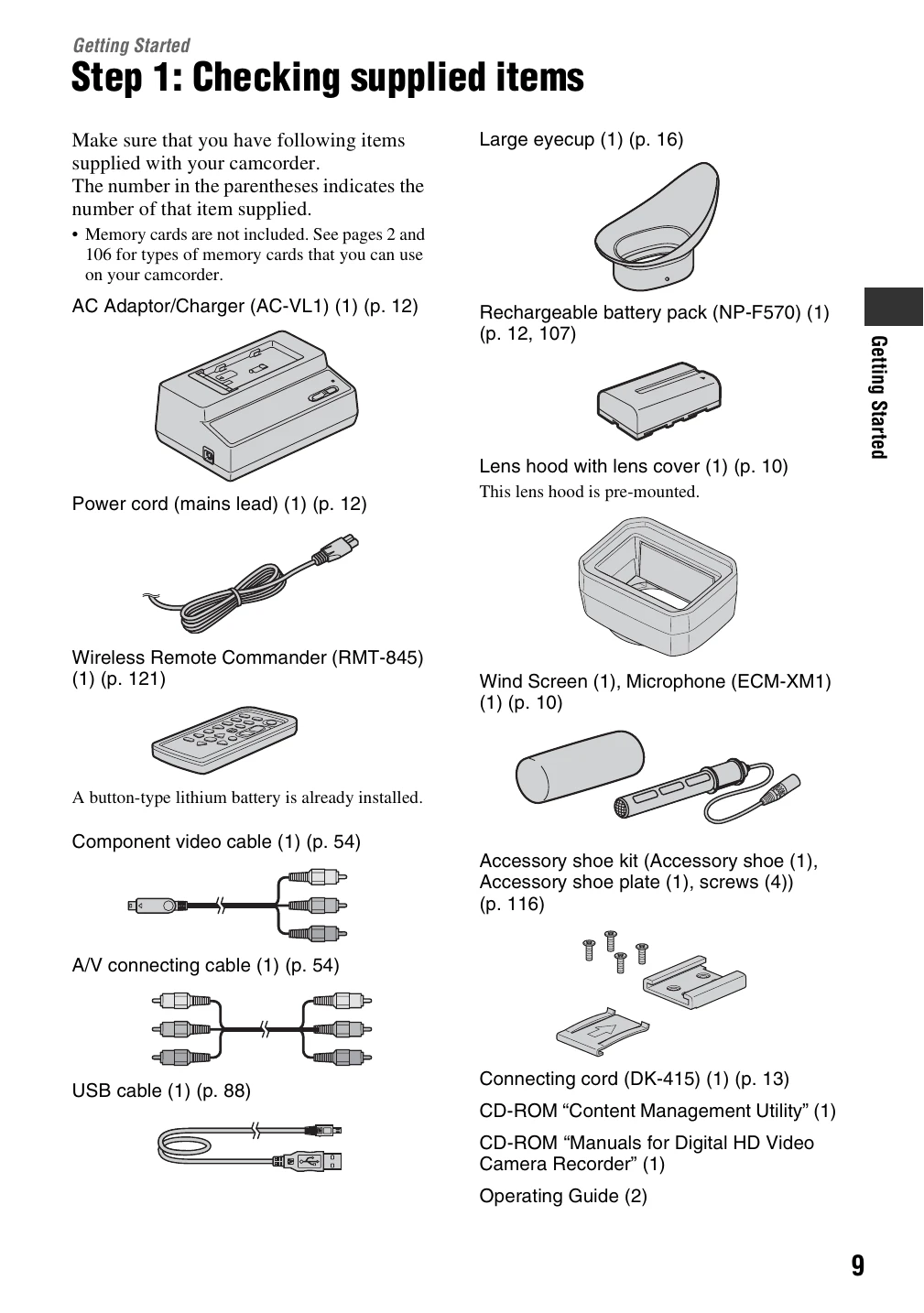
Ensure all items listed are present with your camcorder.
Instructions for attaching the microphone with its wind screen and connecting it to the camcorder. Also, details on attaching and using the lens hood with its cover.
Guide on how to charge the "InfoLITHIUM" battery pack using the supplied AC Adaptor/Charger. Includes steps for attaching the battery and after charging.
Instructions on how to power on the camcorder by sliding the POWER switch and holding the device correctly.
Details on opening and rotating the LCD panel for optimal recording or playback angles. Instructions on adjusting the viewfinder for clarity, including the use of a large eyecup.
Steps to set the date and time for the first use. Includes information on changing the language setting.
Guidance on inserting memory cards into the available slots and attaching an optional flash memory unit for recording movies.
Instructions for recording movies on memory cards or a flash memory unit. Covers opening the lens hood shutter, powering on the camcorder, and using the record button.