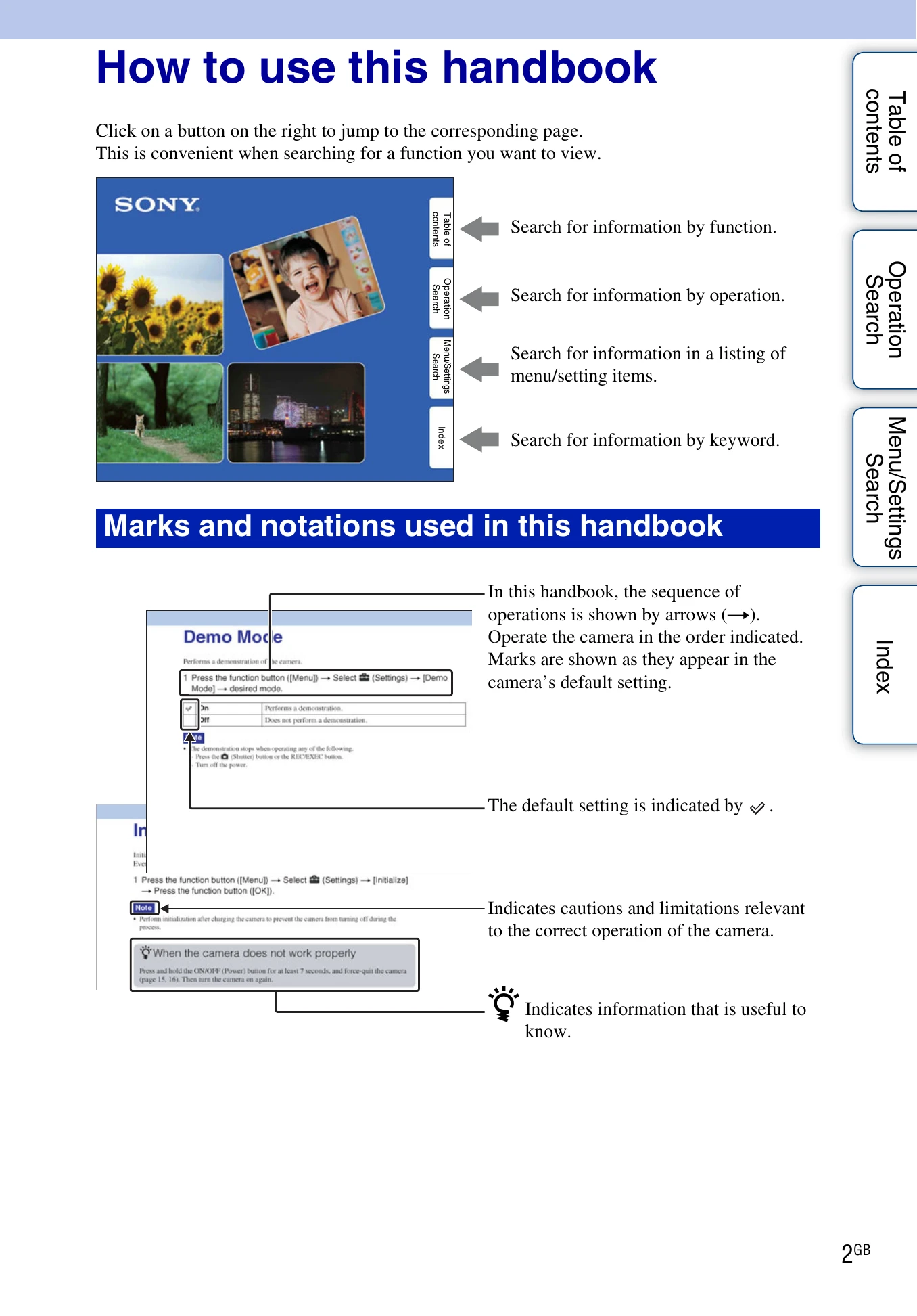
Click on a button on the right to jump to the corresponding page. This is convenient when searching for a function you want to view.
Search for information by function.
Search for information by operation.
Search for information in a listing of menu/setting items.
Search for information by keyword.
Marks and notations used in this handbook
In this handbook, the sequence of operations is shown by arrows (→). Operate the camera in the order indicated. Marks are shown as they appear in the camera's default setting.
The default setting is indicated by a checkmark.
Indicates cautions and limitations relevant to the correct operation of the camera.