How to use this handbook
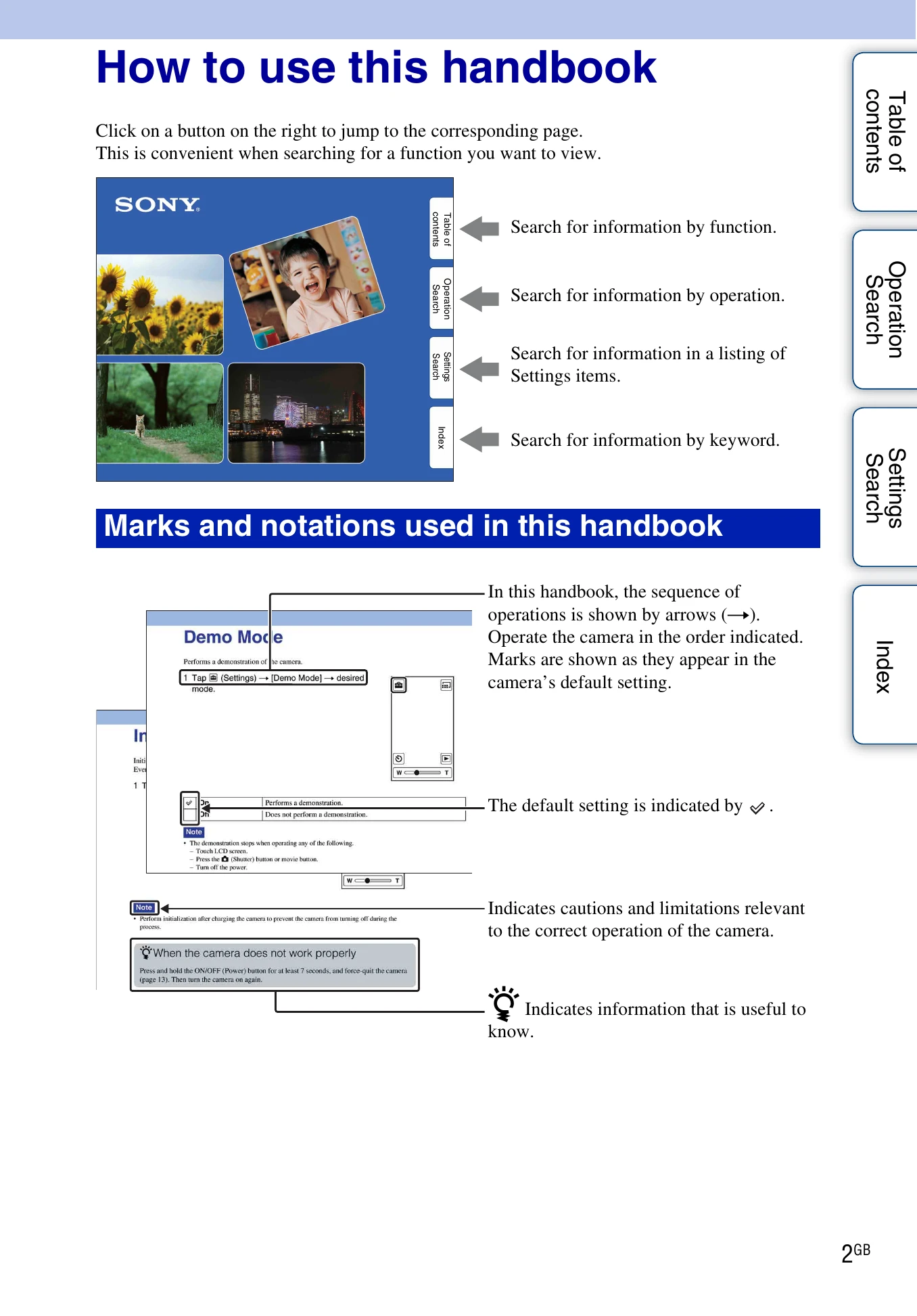
Click on a button on the right to jump to the corresponding page. This is convenient when searching for a function you want to view.
Marks and notations used in this handbook
- Arrows (→) indicate the sequence of operations. Operate the camera in the order indicated.
- Marks are shown as they appear in the camera's default setting.
- The default setting is indicated by ✓.
- Cautions and limitations relevant to the correct operation of the camera are indicated by a box.
- Information that is useful to know is indicated by a light bulb icon.
Basic Operation
- Tapping buttons on the LCD screen or dragging the screen allows you to operate the camera.
- Do not use sharp-pointed objects on the screen.
- Flicking the screen allows you to display the next screen quickly. Tap to stop.