Brand: SONY
Category: Camcorder
Document Type: Manual
Language: EN
Brand: SONY
Category: Camcorder
Document Type: Manual
Language: EN
Uploaded: Aug. 10, 2025, 12:16 a.m.
Getting Started:
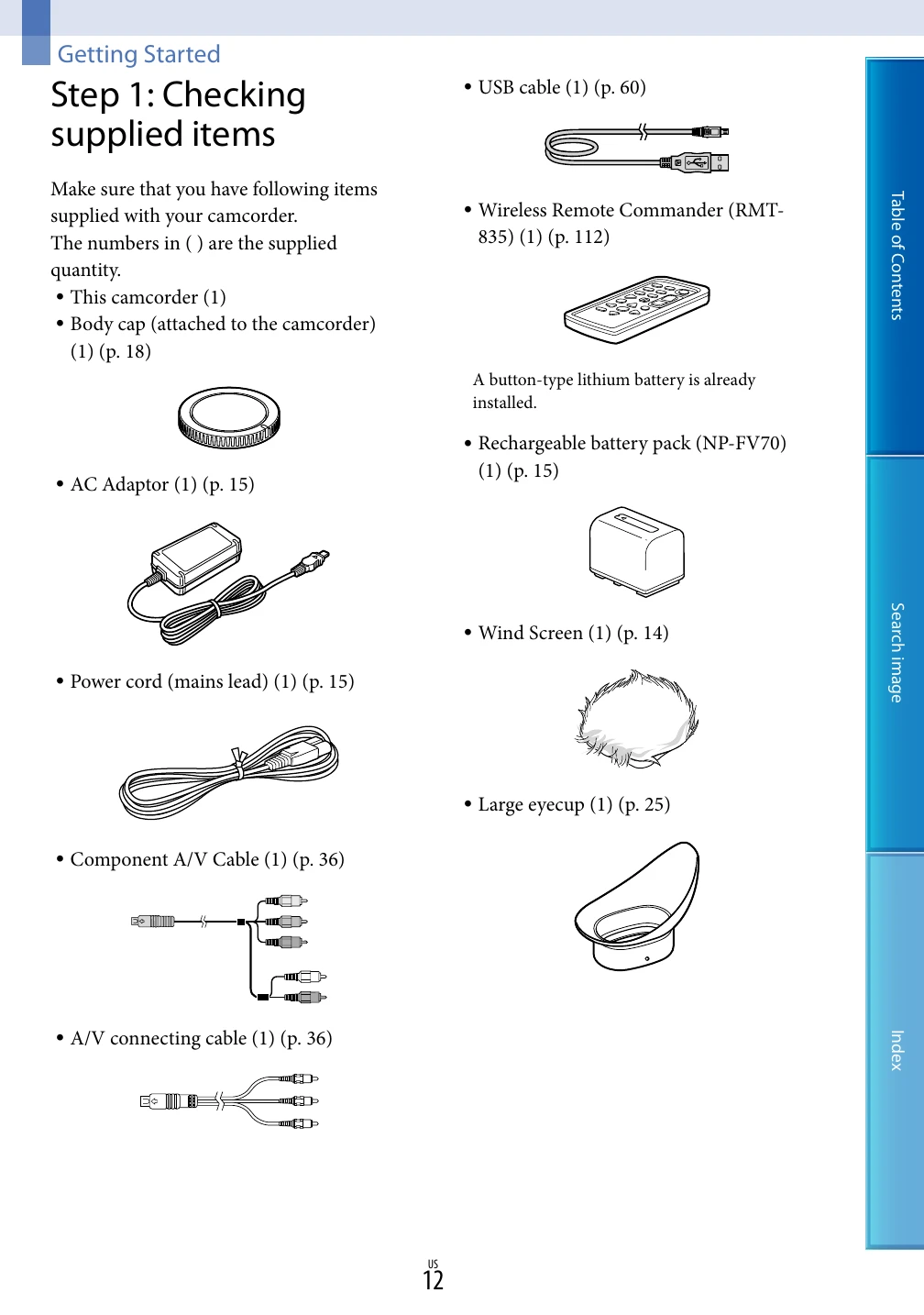
1. Check supplied items (camcorder, body cap, AC adaptor, power cord, USB cable, remote commander, battery pack, wind screen, eyecup, mount adaptor).
2. Attach Wind Screen to reduce wind noise.
3. Charge the battery pack by connecting the camcorder to a wall outlet via the AC adaptor. The CHG lamp indicates charging status.
4. Attach the lens using the mount adaptor, aligning the mounting marks.
5. Turn on the power, set language, and date/time.