Manual for PXW-Z200/HXR-NX800

Manual for PXW-Z200/HXR-NX800

Brand: SONY

Category: Camcorder

Document Type: Manual

Language: EN
Uploaded: Nov. 21, 2025, 7:40 p.m.

Warranty Information

SONY's liability is limited; consult the EULA for specific terms and conditions.

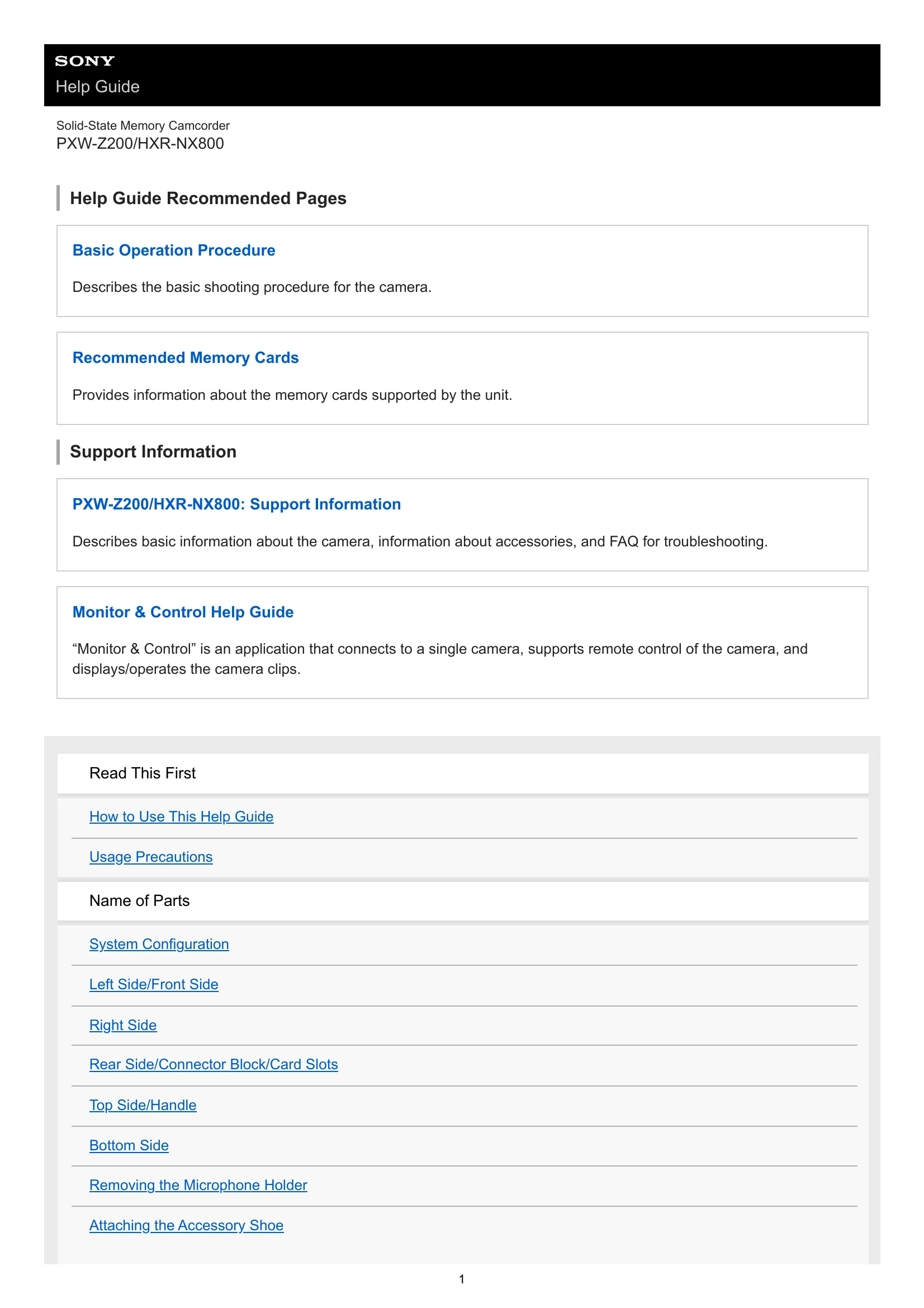
  • Basic Operation Procedure: Describes the basic shooting procedure for the camera.
  • Recommended Memory Cards: Provides information about the memory cards supported by the unit.
  • Support Information: Basic information about the camera, accessories, and troubleshooting FAQs.
  • Monitor & Control Help Guide: Application for remote camera control and clip management.
  • Preparation: Includes power supply, using battery packs and AC adaptors, and switching the unit on/off.
  • Basic Configuration: Setting date/time, accessibility, basic operation, shooting mode, and recording format.
  • Attaching Devices: Instructions for attaching microphones, LCD hoods, lens hoods, and eyecups.
  • Adjusting the LCD Monitor: Covers adjusting angle, brightness, and magnifying the display.
  • Adjusting the Viewfinder: Covers adjusting angle, brightness, and switching between LCD/viewfinder.
  • Using Memory Cards: Details on inserting, ejecting, initializing, and checking remaining recording time.
  • Shooting: Covers adjusting zoom, focus, brightness, white balance, image stabilization, and audio settings.
  • Using Shooting Functions: Direct menu, assignable buttons, slow & quick motion, auto framing, recording to both cards, video signal monitor, gamma display, and clip flags.
  • Proxy Recording: Information on proxy recording and uploading clips.
  • Shooting with the Desired Look: Selecting, importing, customizing, saving, and deleting looks.
  • Connecting to a Network: Network functions, using "Monitor & Control", connecting to the internet (wireless, USB tethering, wired LAN), and using Creators' App.
  • Transferring Files: Preparing, selecting, transferring clips automatically, and using secure FTP.
  • Playback: Thumbnail screen structure, playing clips, and clip operations.
  • Changing Settings: Menu list, full menu operations, character string entry, locking/unlocking the menu, and using the screen reader.
  • Configuring Full Menu Functions: Accessing and configuring various menu options (User, Edit User, Shooting, Project, Paint/Look, TC/Media, Monitoring, Audio, Thumbnail, Technical, Network, Maintenance, ISO/Gain, AGC Limit, Video Format/Quality/Bit Rate).
  • Using External Devices: Connecting to monitors/recorders, using remote controllers (mobile device, LANC, Bluetooth), and using a computer.
  • Output Formats: SDI/HDMI output connector output formats.
  • Appendix: Troubleshooting, error/warning messages, items saved in files, block diagrams, licenses, and specifications.

Troubleshooting and error codes

Trouble Possible Cause Solution
The unit does not turn on. The battery pack is not charged or is depleted. Charge the battery pack or replace it with a charged one.
The unit does not turn on. The AC adaptor is not connected properly. Connect the AC adaptor securely.
Recording is not possible. The memory card is full. Replace the memory card or delete unnecessary files.
Recording is not possible. The memory card is not inserted correctly. Insert the memory card properly.
The recorded image is distorted. The memory card is damaged or not compatible. Use a compatible memory card. Replace the memory card if it is damaged.
The audio is not recorded. The microphone is not connected properly. Connect the microphone securely.
The audio is not recorded. The audio input is set incorrectly. Check the audio input settings.
The screen is flickering. Shooting under fluorescent lighting. Adjust the shutter speed or frame rate, or use a different lighting source.
The unit is overheating. The air outlet is blocked. Ensure the air outlet is not covered.
The touch panel is unresponsive. The screen is dirty or wet. Clean the screen.
The touch panel is unresponsive. Using fingernails or pointed objects. Use your fingertip to touch the screen.
Privacy Policy