Brand: SONY
Category: Cordless Phone
Document Type: Manual
Language: EN
Brand: SONY
Category: Cordless Phone
Document Type: Manual
Language: EN
Uploaded: Nov. 21, 2025, 8:07 p.m.
Manual Publish Date: 1999-01-01
No specific warranty period is mentioned in the provided pages.
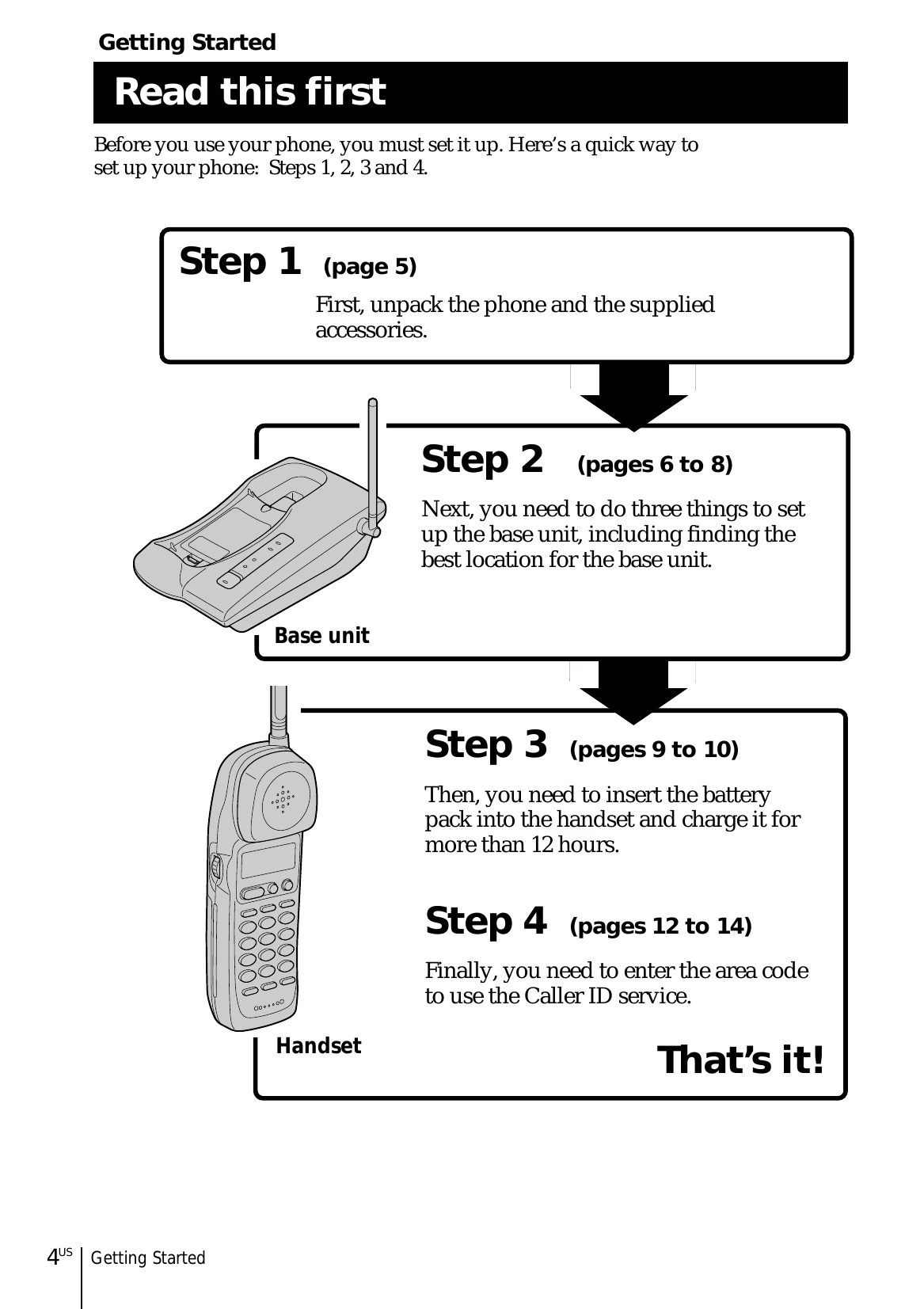
Step 1: Unpack the phone and accessories.
Step 2: Set up the base unit by choosing the best location, connecting it, and selecting the dialing mode.
Step 3: Prepare the battery pack by charging it for over 12 hours.
Step 4: Enter the area code for Caller ID functions.
Making calls: Pick up the handset, press TALK, dial the number, and press OFF when done.
Receiving calls: Pick up the handset and press TALK. Press OFF when done.
Redialing: Press TALK, then REDIAL to redial the last number.
| Symptom | Solution |
|---|---|
| Five short error beeps when pressing TALK. | Ensure the base unit is installed correctly. Move the handset closer to the base unit. |
| No line tone. | Ensure the telephone line cord is connected correctly. |
| No connection even with correct number dialed. | Ensure dialing mode is set correctly. Verify the last dialed number is correct. |
| Phone does not redial correctly. | Ensure the last dialed number is correct. |
| Five short error beeps when trying to redial. | The last dialed number exceeds 32 digits or has been erased. |
| Handset does not ring. | Set the RING switch to ON. Battery may be depleted; recharge for at least 12 hours. Ensure the base unit is installed correctly. |
| Interference during calls. | Move the handset closer to the base unit. Move the base unit away from interference sources. |
| Beeps every second and "OUT OF RANGE" displayed. | This is a range limit alarm. Move the handset closer to the base unit within 1 minute. |
| Two beeps per second and "BATTERY LOW" displayed. | The battery is depleted. Recharge for at least 12 hours. |
| Cannot store numbers for speed dial or directory. | Ensure numbers are stored correctly. You may have pressed a button that has no number assigned. |
| Cannot use Caller ID. | Ensure you are subscribed to the Caller ID service. If connected to a PBX, Caller ID may not function. The call may be from a company that doesn't offer Caller ID, or the call may be blocked. Respond after Caller ID data is displayed. |
| Cannot use "Caller ID with Visual Call Waiting". | Ensure you are subscribed to the service. Ensure no one else is using the phone line. |
| Cannot dial number from Caller ID list. | Ensure the correct area code is entered. You may need to change the number of digits. |
| Memory match function not working. | If connected to a PBX, this function may not work. Phone number may not match stored number if the call is from a multi-line office. If a line access digit was stored for PBX, the number may not match Caller ID data. |
| Cannot use visual message waiting indication. | Ensure you are subscribed to the service. Reset the phone if you move or change phone companies. |
| CHARGE lamp does not light up when recharging. | Clean charging terminals. Ensure handset is properly seated on the base. |
| Short battery life. | Battery was not recharged for 12 hours. Battery has reached end of life. Replace battery. |
| Handset not functioning. | Battery is weak. Charge for over 12 hours. |