Manual for DCR-TRV6/TRV11/TRV20

Manual for DCR-TRV6/TRV11/TRV20

Brand: SONY

Category: Video Camera

Document Type: Manual

Language: EN

Uploaded: Aug. 10, 2025, 12:19 a.m.

Getting Started:

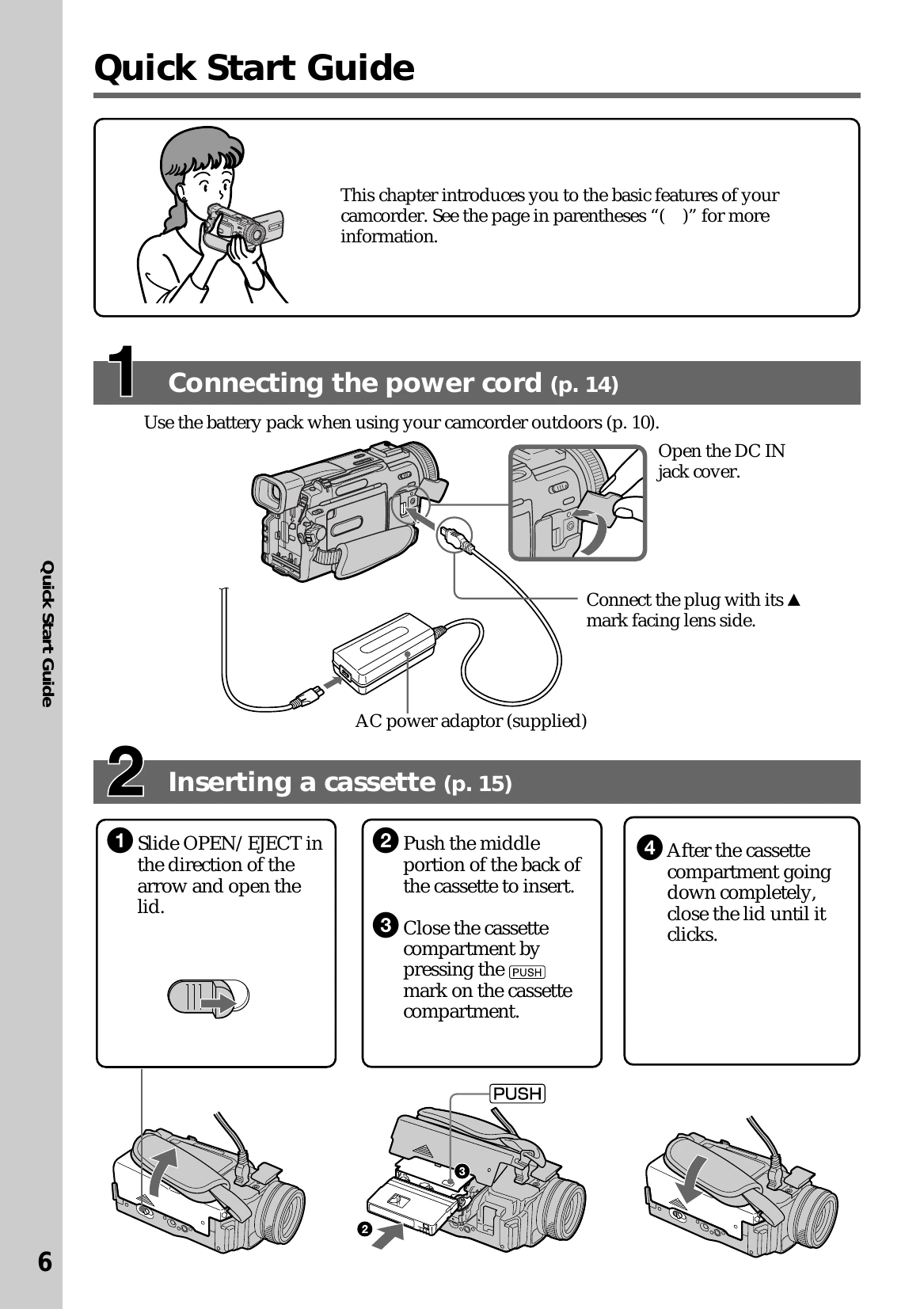
  • Power: Install battery pack (p. 10) or connect AC power adapter (p. 11, 14).
  • Cassette: Insert a mini DV cassette (p. 15).
  • Recording: Remove lens cap, set POWER to CAMERA, press OPEN for LCD, then press START/STOP to record (p. 16).
  • Playback: Set POWER to VCR, press REW, then PLAY to playback (p. 7).

Key Functions:

  • Zoom: Use power zoom lever (p. 20).
  • NightShot: For low-light shooting (p. 22).
  • Backlight: Improve shots with backlighting (p. 21).
  • Memory Stick (TRV11/TRV20): For still images (p. 93).
  • Editing: Dubbing and program editing (p. 54-56).
Privacy Policy