Brand: SONY
Category: Video Camera
Document Type: Manual
Language: EN
Brand: SONY
Category: Video Camera
Document Type: Manual
Language: EN
Uploaded: Nov. 21, 2025, 8:26 p.m.
Manual Publish Date: 1998-03-01
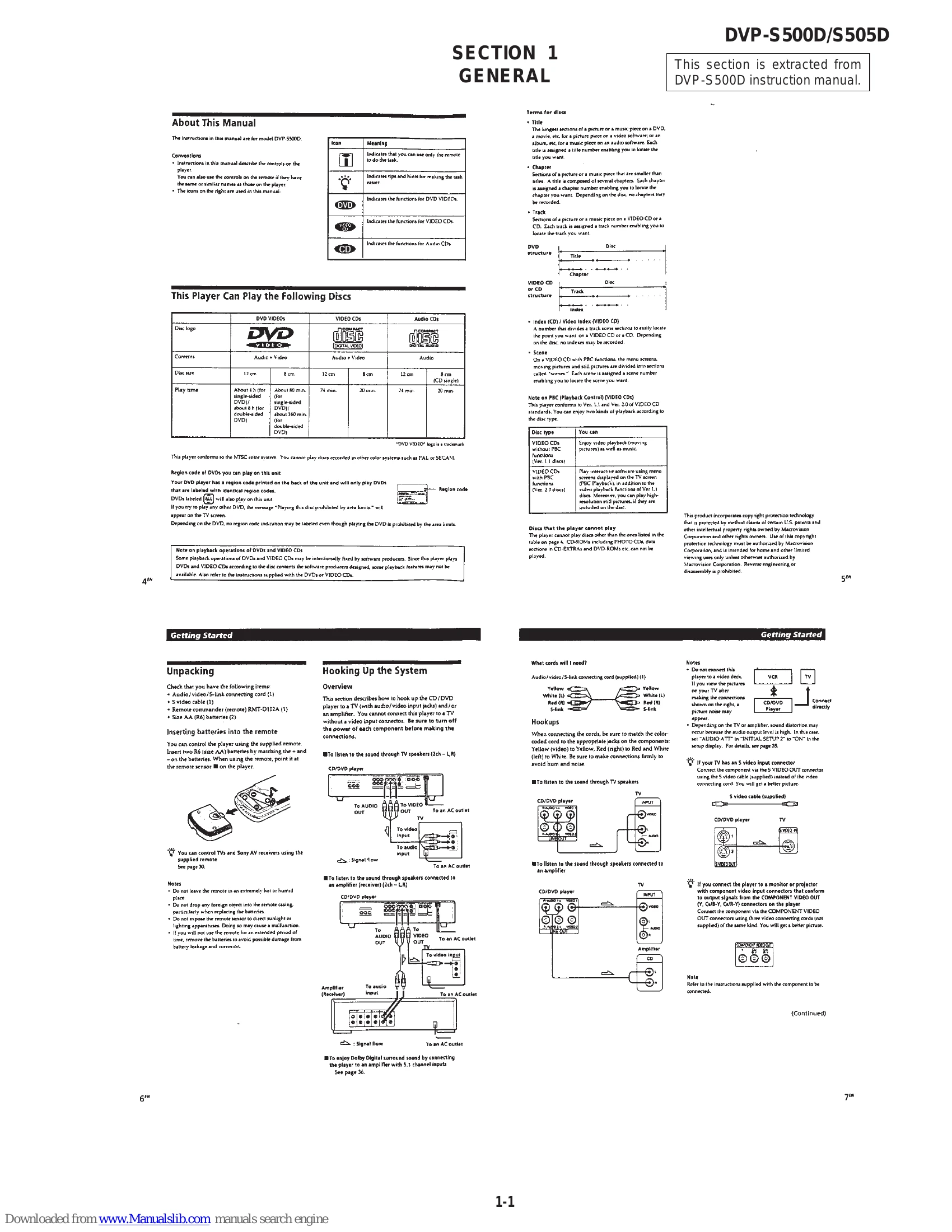
Unpacking: Check the package contents which typically include the player, remote commander, batteries, and various connecting cords (Audio/video/S-link, S-video). Ensure all items are present.
Inserting Batteries: Insert two R6 (AA) batteries into the remote, matching the polarity. Point the remote towards the player's sensor.
Hooking Up the System: Connect the player to a TV and/or amplifier using the provided or appropriate cables. Match colored connectors (yellow for video, red for right audio, white for left audio). For better picture quality, use the S-video cable if your TV has an S-video input.
Necessary Setup: Use the on-screen setup display to configure settings such as TV aspect ratio (4:3 or 16:9) and audio output preferences (PCM, Dolby Digital).
Basic Operations: Press POWER to turn on the player. Insert a disc and press PLAY. Adjust volume on your TV or amplifier. The player can resume playback from where it was stopped if "RESUME" appears on the display.
| First three digits | Cause and/or Corrective Action |
|---|---|
| C13 | The disc is dirty. Clean the disc with a cleaning cloth. (page 42) |
| C31 | The disc is not inserted correctly. Open the disc tray and insert the disc correctly. |
| Exx (xx is any number) | To prevent the player from operating malfunctioning, the self-diagnosis function has worked. When you contact your Sony dealer or local authorized Sony service facility, inform the service number with five digits (example: E:61:10) |