Brand: TOSHIBA
Category: DVD Player
Document Type: Manual
Language: EN
Brand: TOSHIBA
Category: DVD Player
Document Type: Manual
Language: EN
Uploaded: Nov. 21, 2025, 6:38 p.m.
This product has a 90-day warranty against defects in materials or workmanship.
| Symptom | Cause | Correction | Page |
|---|---|---|---|
| No power. | The power plug is disconnected. | Connect the power plug securely into the wall outlet. | 16 |
| The DVD video player turned off by itself. | The automatic power off function turned the unit off. | Press the PLAY button. | 21 |
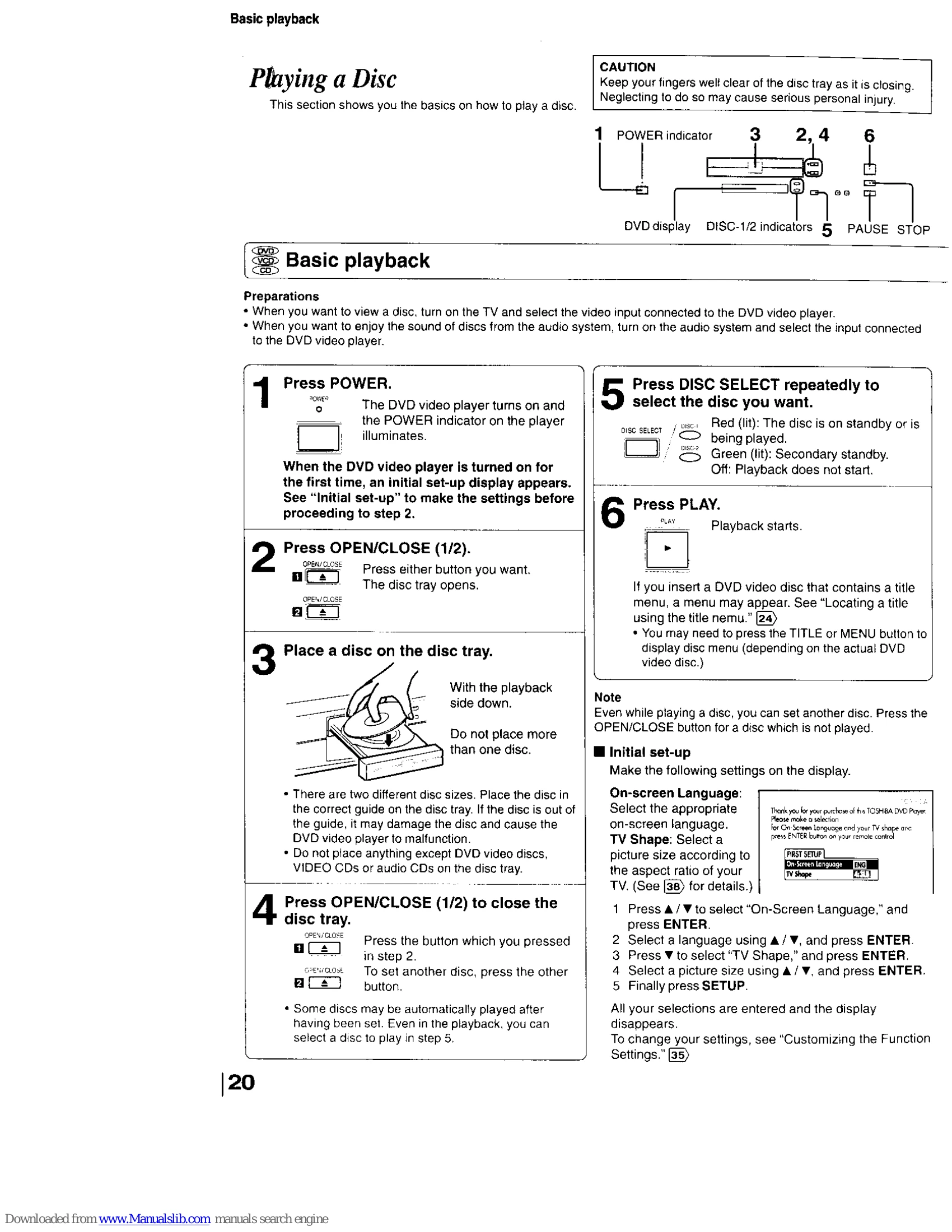
| No picture. | The TV is not set to receive DVD signal output. | Select the appropriate video input mode on the TV so the picture from the DVD video player appears on the TV screen. | 20 |
| No sound. | The video cable is not connected securely. | Connect the video cable securely into the appropriate jacks. | 16, 17 |
| The playback picture has occasional distortion. | The equipment connected with the audio cable is not set to receive DVD signal output. | Select the correct input mode of the audio receiver so you can listen to the sound from the DVD video player. | 16, 17, 19, 20 |
| Brightness is unstable or noises are present in the playback pictures. | The audio cable is not connected securely. | Connect the audio cable securely into the appropriate jacks. | 16, 17, 19 |
| The DVD video player does not start playback. | The audio receiver or TV is turned off. | Turn on the equipment connected with the audio cable. | 20 |
| Playback does not follow the course of the disc's program. | The setting of output sound format is incorrect. | Select the proper audio setting. | 33, 35, 39 |
| Buttons do not work. | The disc is dirty. | Eject the disc and clean it. | 9 |
| The remote control does not work properly. | It is in fast forward or fast reverse playback. | Sometimes a small amount of picture distortion may appear. This is not a malfunction. | - |