Brand: TOSHIBA
Category: Home Appliances
Document Type: Manual
Language: EN
Brand: TOSHIBA
Category: Home Appliances
Document Type: Manual
Language: EN
Uploaded: Nov. 21, 2025, 8:42 p.m.
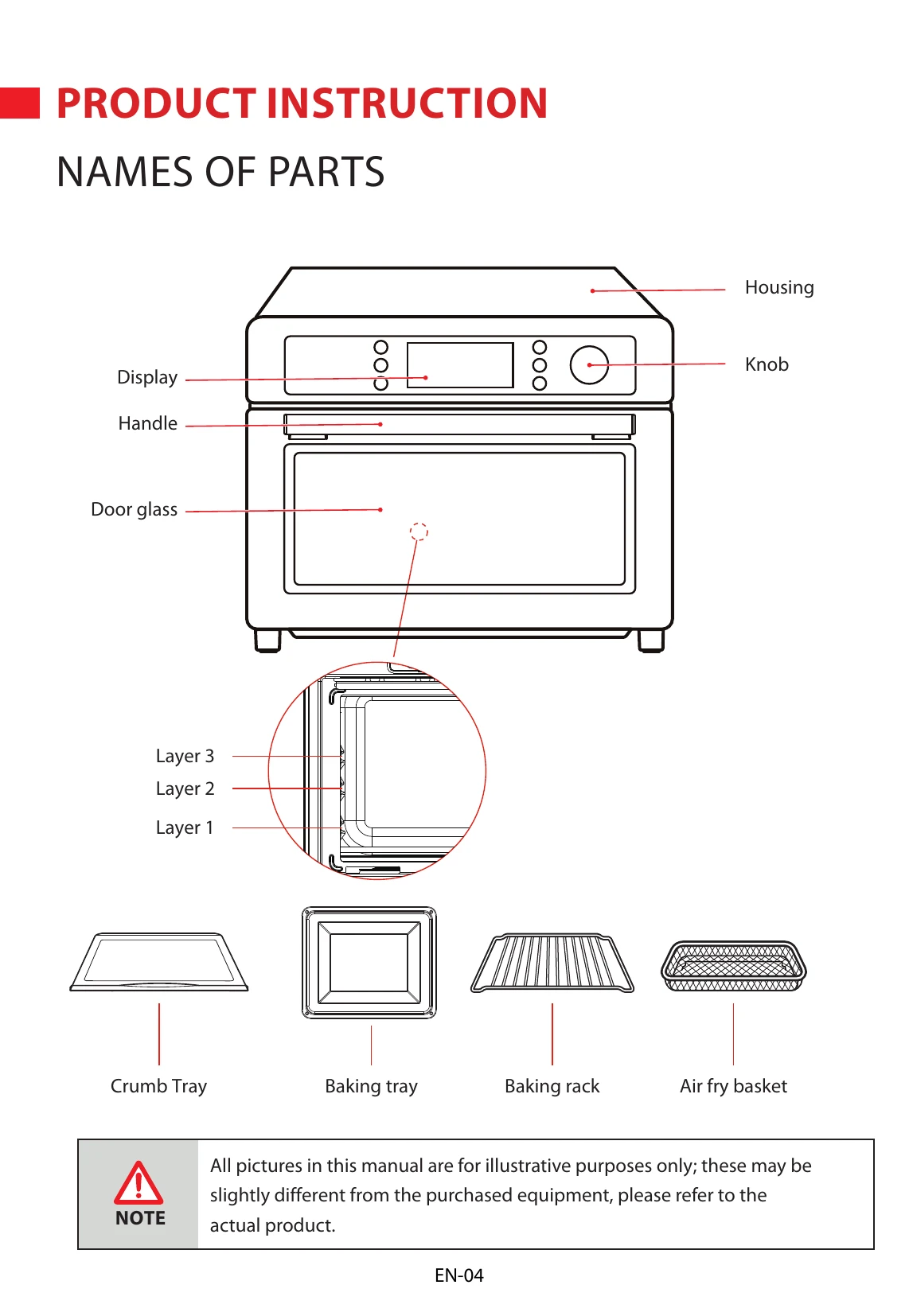
The control panel includes buttons for WiFi, Time/Temperature, Light, Cancel/Mute/ECO, Airfry Menu, and a Start/Pause/Selection knob. The display shows function status, time, and temperature.
The oven offers various functions including Airfry, Toast, Bake, Broil, Roast, Pizza, Cookies, Bagel, Reheat, Warm, Proof, Slow Cook, and Dehydrate. Each function has specific settings for temperature and time.
| Problem | Possible Cause | Solution |
|---|---|---|
| The appliance does not operate. | 1. Power cord is not plugged in. | Plug in the power cord. |
| 2. The socket is faulty. | Try another socket. | |
| The oven smokes. | 1. During the first use, there may be residual oil from the manufacturing process. | Run the oven on 'ROAST' function at MAX temperature for 15 minutes. This is normal and will stop after 10-15 minutes. |
| 2. Food residue in the oven. | Clean the oven interior and heating elements. | |
| 3. Excessive oil or fat in food. | Trim excess fat from food before cooking. | |
| Uneven cooking. | 1. Food is placed too close to the heating elements. | Adjust the rack position. Ensure food is not overcrowded. |
| 2. Incorrect rack level used. | Refer to 'About Rack Levels' section for appropriate rack positions for different foods. | |
| The display is not working. | 1. Power is not connected. | Check power connection. |
| 2. Internal malfunction. | Contact customer service. | |
| The buzzer sounds continuously. | 1. Door is not closed properly. | Ensure the door is securely closed. |
| 2. Internal malfunction. | Contact customer service. |