Brand: TOSHIBA
Category: Microwave Oven
Document Type: Manual
Language: EN
Brand: TOSHIBA
Category: Microwave Oven
Document Type: Manual
Language: EN
Uploaded: Nov. 21, 2025, 7:33 p.m.
Please ensure you obtain the warranty card for this product.
Initial Steps:
Cooking:
Heating Modes:
Maintenance:
| Effect | Reason (Measure) |
| There is no display after the electric plug is connected to the power supply. | • If the plug is connected to the power supply with the door closed, the power supply will be cut off. Open the door once to ON the power supply. |
| Ticking sound during cooking | • This is the switching sound of the switch inside the oven. This is not a malfunction. |
| Continuous noise during heater Operation | • It is the sound of the wall or square tray caused by heat shrinking and it is not broken. |
| Continuous noise (ji....) during microwave cooking. | • Noise is due to microwave cooking operation. Does not denote Malfunction |
| This noise becomes louder during cooking with noise (fan) or not during and after cooking | • During cooking or after cooking, cooling fan may turn on but that's not a break. Whislt the cooling fan is going around after cooking, the "COOLING” display flashes. Please to not unplug the power plug while the cooling fan is operating. |
| No display occurs when key is pressed. | • This is because the power is turned off 5 minutes after opening the door for energy saving. (Please operate once the power is on after opening the door) |
| If the door is opened, the control panel displays “0” | • When the door is opened, the power supply is connected. |
| Bibeep bibeep bibeep Buzzer occurs one minute after cooking is over. | • A function has been provided to sound the buzzer if the food is not removed from the oven after the completion of cooking. This is not a malfunction. |
| Steam does not come out Water in the water tank doesn't reduce |
• Check if the water tank is fitted properly and add water to it. • When the oven gets heated, the steam may not be visible. |
| Hissing sound during steam cooking. | • Noise occurs when water gets converted to steam upon heating by steam heater. The noise may be loud when used initially. |
| Oven door becomes foggy | • During or after cooking, the glass door turns foggy or cloudy. It does not denote malfunction. The effect subsides after 2 hours. • When the oven is Warming the empty oven deodorize, the effect subsides in 30 min. (Refer to page 18) |
| After cooking, Water droplets adhere to the inside and inside of the door Water droplets fall Water accumulates inside |
• There is high adhesion of teh door in order to improve the cooking hence depending on the menu, water vapour from food may adhere to the door or the inside. • Please wipe the water droplets off with a dry cloth after they have cooled. Moreover, if the surface on which it is installed is weak or topped, water droplets can easily drop. • Please place on a flat surface with plenty of strength. |
| The inside light doesn't come on during preheating | • The design is such that the inside light does not come on during preheating. If you press the “INSIDE LIGHT” button during preheating, it can be switched on. (Refer to page 10) |
| Steam leaks from the gap between the door and the oven. | • According to the amount of steam or room temperature, steam may leak but there is no impact on performances such as cooking. Also there in no leak of radio wave during microwave cooking. |
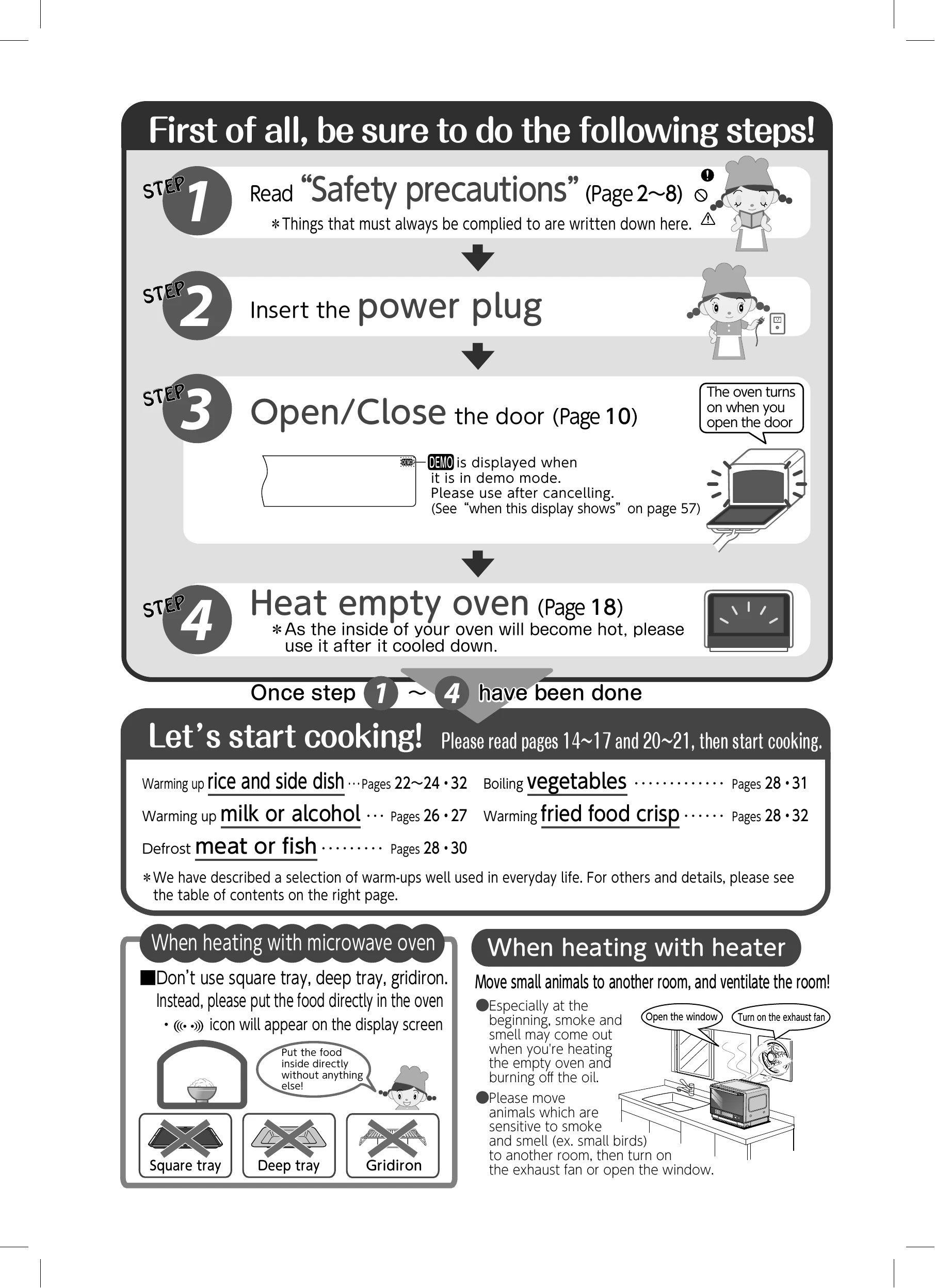
| There is smoke and smell. | • When the oven is used for the first time, an unpleasant smell may be released due to the burning of the rust prevention oil. • Did you warming the empty oven deodorize? • Is the oven or the door dirty? |
| During oven cooking, the LCD display is not visible. | • The LCD display turns dark at high temperature and may not be visible. This is due to the property of LCD and does not signify malfunction. When the oven temperature decreases, the LCD display is visible. |
| White powder and water are released from the steam outlet port. | • The white powder is harmless minerals such as magnesium and calcium contained in tap water. (Refer to page 13, 48) |
| Spark occurs during cooking. | • Did you use the square tray? Do not use square tray inside microwave. • Did you use metallic container, wire mesh or metallic spits for menus to use microwave? • Metal skewers, containers or metal objects etc. may cause spark. • Is the oven dirty? Radio waves tend to converge on the dirt and cause spark. Please wipe away any dirt. (Page 48, 49) |
| The temperature in the oven is not the same as set temperature | • The temperature is measured by heat electric thermometer on the center with nothing inside (using JIS measurement method). When measuring using commercially available oven thermometer, the temperature tracking is slower compared to JIS' measurement options hence it takes longer to get to the set temperature. • When making meals please use the temperature in the cookbook as a guide. |
| In some cases, we cannot set the value over 260℃ | • If the inside is hot, for protection of electric components, oven cannot be set to be hotter than 260°C and super-heated steam or hybrid cannot be set above 300° С. |
| There may be insufficient heating of the food with microwave heating. | • If there is a small amount of food or inside temperature is high after continued use, the output may be stopped to protect the product.It's not a breakdown. |
| It's stopped during cooking. | • Did you open the door during heating? Please press the "START" button after closing the door • Automatic cooking with work required during heating will be notified by the buzzer sounding 5 times. Please carry out the operatiohn with the door open and press the "START" key after closing the door. |