Manual for Osprey 700

Manual for Osprey 700

Brand: Wybot

Category: Robotic Pool Cleaner

Document Type: Manual

Language: EN
Uploaded: April 20, 2026, 7:31 p.m.

Warranty Information

This product has a 24-month warranty for the driving kit and control box from the purchase date.

Powering On/Off: Press the power button. A blue light indicates the cleaner is on; a red light indicates it's off. The indicator light also shows the cleaner's status: steady blue for powered on, flashing blue for working, flashing yellow for low battery and self-parking, and steady yellow for self-parking complete.
Starting Operation: Place the cleaner in the pool with the bottom towards the wall. Hold the robot and power it on. It will begin working after 20 seconds as it empties trapped air.
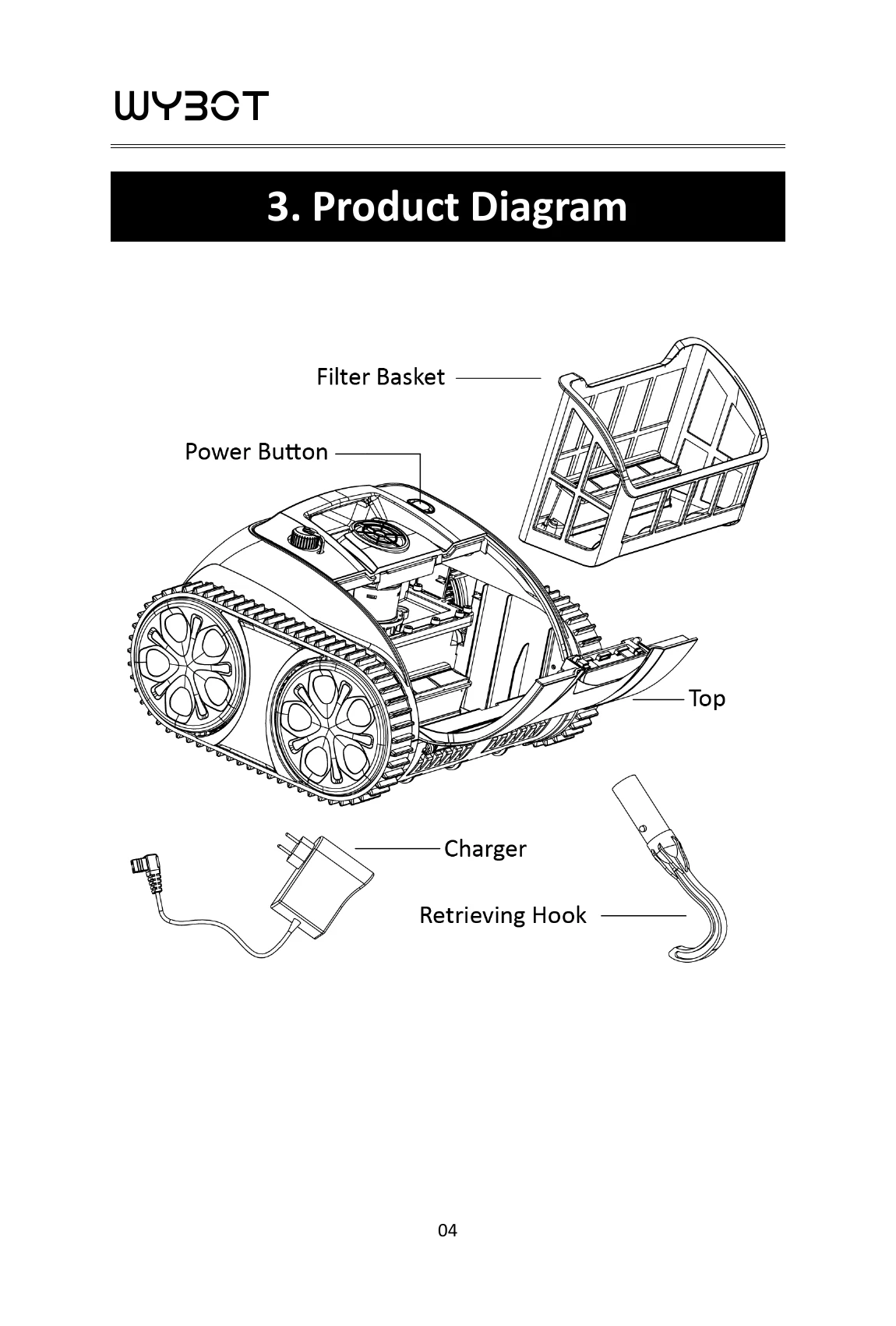
Retrieval: When finished, the cleaner moves to the edge. Use the retrieving hook to lift it out.
Filter Cleaning: Open the top cover, remove the filter basket, wash it, and re-install.
Charging: Ensure the cleaner is powered off and the charging port is dry. Connect the charger. A red light means charging, and a green light means fully charged. Charge indoors, at least 3m from the pool edge.

Troubleshooting and error codes

IssueSolution
Cleaner not workingCharge battery, clean filter, check water conditions.
Cleaner not movingClean filter basket.
Cleaner not cleaning effectivelyCheck and adjust pool water parameters.
Cleaner not climbing wallsInstall floating blocks.
Charger not workingCheck connections; contact service if cable is damaged.
Privacy Policy