Brand: YAMAHA
Category: Audio/Video
Document Type: Manual
Language: EN
Brand: YAMAHA
Category: Audio/Video
Document Type: Manual
Language: EN
Uploaded: Nov. 21, 2025, 7:42 p.m.
Manual Publish Date: 2019-05-01
Refer to the product information page on the Yamaha website for the latest specifications and manual.
To turn on the unit: Press the power button (page 11, 15). The center unit and subwoofer will connect wirelessly.
To play music:
To adjust subwoofer volume: Use the SUBWOOFER (+/-) buttons (page 15, 25).
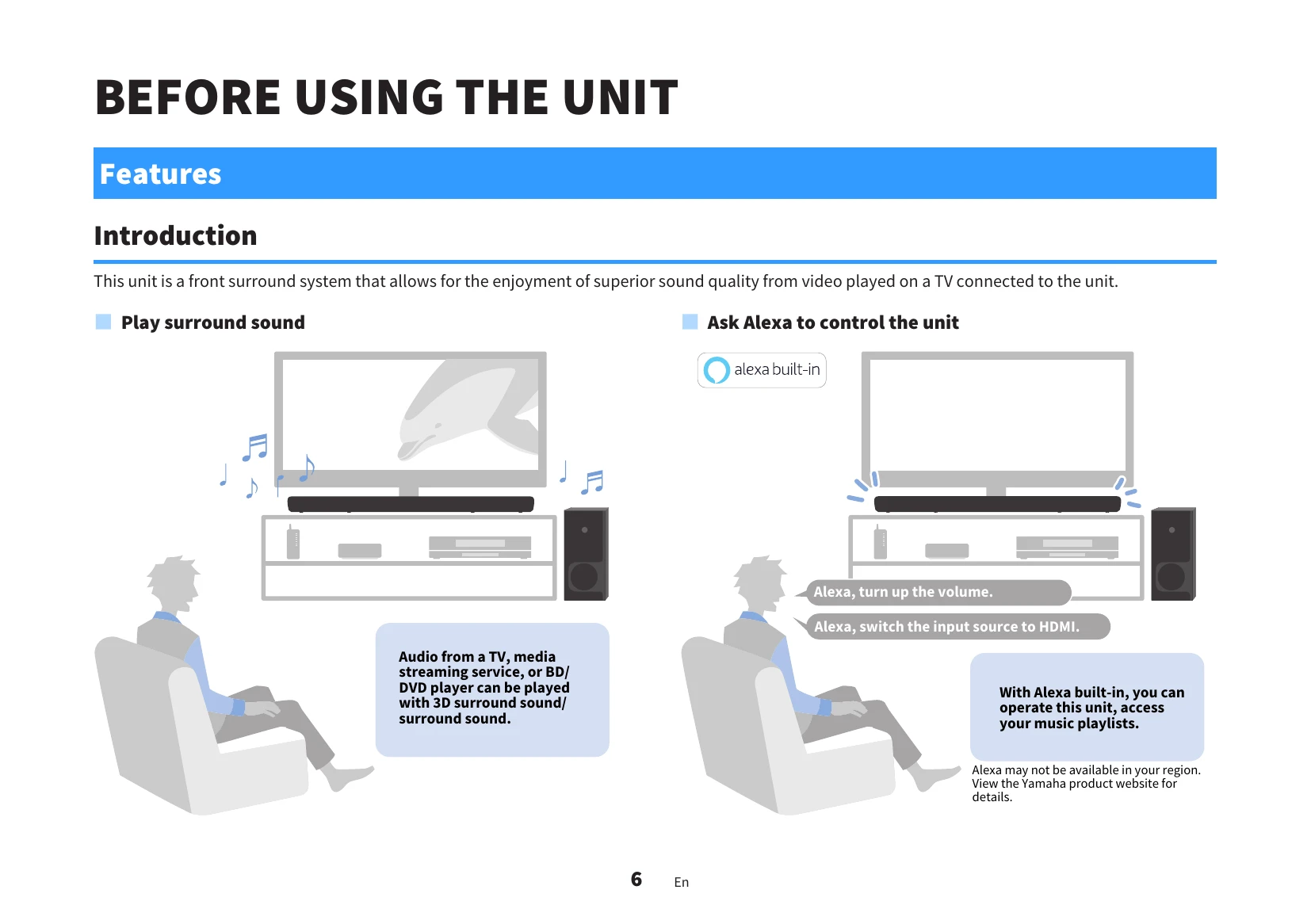
To use voice commands: Press the Alexa button or say "Alexa" to interact with Amazon Alexa (page 11, 25, 26).
To adjust sound settings: Use the CLEAR VOICE, BASS EXT, 3D SURROUND, and STEREO buttons to enhance your listening experience (page 15, 28, 29).
| Problem | Possible Cause | Solution |
|---|---|---|
| When any problem occurs (General) | ||
| Unit does not function properly | Power cords are not securely connected. | Check that power cords are securely connected to AC wall outlets. |
| Unit, TV, and AV devices are not turned on. | Turn on the unit, TV, and AV devices. | |
| Cable connectors are not securely inserted. | Insert cable connectors securely into jacks. | |
| When any problem occurs (Power and system function) | ||
| The power turns off suddenly | ||
| Auto power standby function activated. | Turn on the unit. Disable the auto power standby function if not needed (page 38). | |
| Protection circuitry activated. | Check connections and turn on the unit. If the problem persists, contact a dealer. | |
| When any problem occurs (Audio) | ||
| No sound | Another input source is selected. | Select the appropriate input source (page 23, 49). |
| Mute function is activated. | Cancel the mute function (page 23). | |
| Volume is too low. | Turn up the volume (page 23). | |
| Power cord not connected properly. | Ensure the power cord is securely connected to an AC wall outlet (page 20). | |
| Input jacks on AV device connected incorrectly. | Connect the unit's input jack to the AV device's output jack. | |
| Signals that the unit cannot play back are being input. | Change the digital audio output setting on the AV device to PCM, Dolby Digital, or DTS. | |
| HDMI audio output is set to TV. | Configure the unit to output HDMI audio signals from the unit (page 37). | |
| HDMI control function is disabled. | Enable the HDMI control function (page 36). | |
| No sound is coming from the subwoofer | Subwoofer not connected to AC wall outlet. | Plug in the subwoofer's power cord (page 20). |
| Protection circuitry activated. | Unplug the power cord and contact a dealer. | |
| Playback source does not contain low-frequency signals. | Play a source with low-frequency signals. | |
| Volume is too low. | Turn up the subwoofer volume (page 23). | |
| Front of subwoofer is blocked. | Clear the area around the front and bass reflex port. | |
| Wireless connection status is bad. | Move subwoofer closer to center unit, check for obstructions or interference, or pair manually (page 42). | |
| When any problem occurs (Network trouble) | ||
| Network feature does not function | Network parameters not obtained properly. | Enable DHCP server function on the wireless router. Unit does not support IPv6 network. |
| Cannot connect to the Internet via wireless router | Wireless router is turned off. | Turn on the wireless router. |
| Unit and wireless router are too far apart. | Place them closer together. | |
| Obstacle between unit and router. | Move them to a location without obstacles. | |
| Wireless router uses a specific channel. | Set router to select channel automatically or specify channel 1 or 11. | |
| Wireless network is not found | Microwave ovens or other devices interfere. | Turn off or move these devices away. |
| Access restricted by firewall settings. | Check the wireless router's firewall settings. | |
| Streaming service cannot be played | Selected streaming service not available. | Play the service later. |
| Access restricted by firewall settings. | Check network device firewall settings. | |
| Sound Bar Controller app does not detect unit | Unit and mobile device not on the same network. | Connect both to the same network. |
| Mobile device not connected to wireless router. | Connect mobile device to wireless router. | |
| Connected to a multiple SSID router. | Connect to the same SSID. Try primary SSID first. | |
| Wireless (Wi-Fi) function is disabled. | Enable Wi-Fi function (page 41). | |
| Unit's firmware cannot be updated automatically | Unit is turned on. | Turn off the unit before 2:00 a.m. |
| Network standby function is disabled. | Enable network standby function (page 40). | |
| Network connection is not stable. | Check network connection. Use USB flash drive to update firmware if needed. | |