Brand: YAMAHA
Category: Audio/Video
Document Type: Manual
Language: EN
Brand: YAMAHA
Category: Audio/Video
Document Type: Manual
Language: EN
Uploaded: Nov. 21, 2025, 7:07 p.m.
Manual Publish Date: 2020-08-01
None
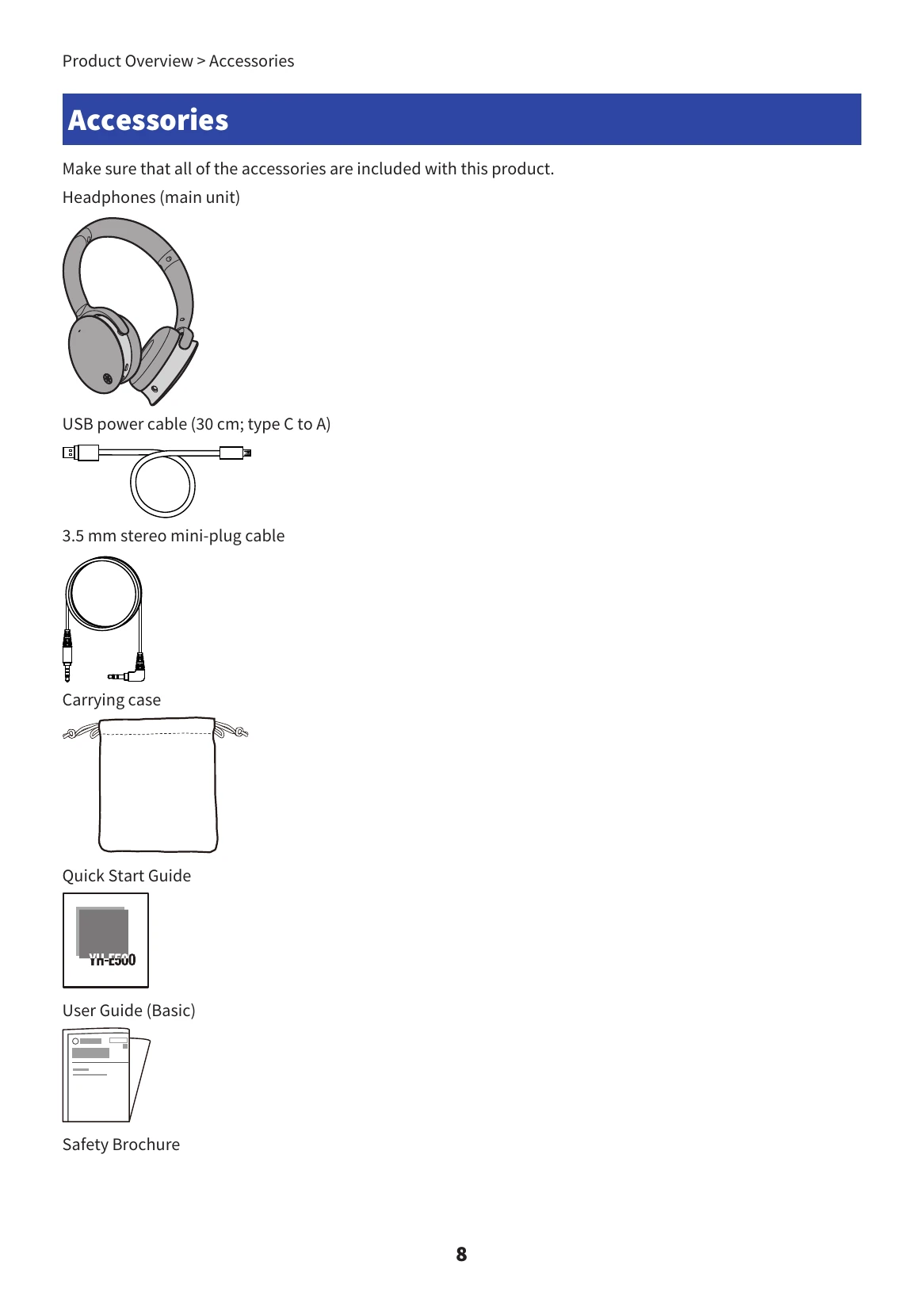
Charge the headphones before first use. Connect the included USB power cable to the headphones and a USB power adapter. The indicator light shows charging status.
Turning the power on: Hold the function key for two seconds. The indicator light will flash red, showing remaining battery power.
Turning the power off: Hold the function key for two seconds. The indicator light will turn red and then off.
Checking battery power: After turning the product on, check the indicator light and listen for audio messages indicating battery level.
Bluetooth Pairing: With the power off, hold the Function key for 5 seconds until the indicator flashes blue and red. Activate Bluetooth on your device and select "Yamaha YH-E500A".
Connecting to Bluetooth: When powered on, the headphones automatically connect to the last paired device. If not, manually connect via your device's Bluetooth settings.
Connecting via Cable: Use the 3.5 mm stereo mini-plug cable to connect to an external device. This will automatically turn off the headphones' power and disable certain features.
Wearing: Check the L and R markings for correct positioning.
Volume: Press the '+' key to increase volume, the '-' key to decrease.
Music Playback: Use the Function key to pause/play. Hold '+' to skip to the next song, hold '-' to go back to the beginning or previous song.
ANC/AMBIENT SOUND: Press the ANC key to cycle through Noise Cancelling, Ambient Sound, or Off modes.
Phone Calls: Press the Function key to receive/end calls. Double-press to ignore an incoming call.
Voice Assistant: Double-press the Function key to activate Siri or Google Assistant.
| Problem | Solution |
|---|---|
| No sound can be heard |
|
| Power will not turn on |
|
| The product cannot be charged |
|
| Cannot connect to a Bluetooth device |
|
| The product does not operate or play back |
|
| The sound is distorted, noisy or choppy |
|
| Problem Still Not Resolved (Customer Support) |
|