Brand: ZANUSSI
Category: Tumble Dryer
Document Type: Manual
Language: EN
Brand: ZANUSSI
Category: Tumble Dryer
Document Type: Manual
Language: EN
Uploaded: Nov. 21, 2025, 8:09 p.m.
Zanussi guarantees the appliance or any part thereof for 12 months from the date of purchase against faulty workmanship or materials.
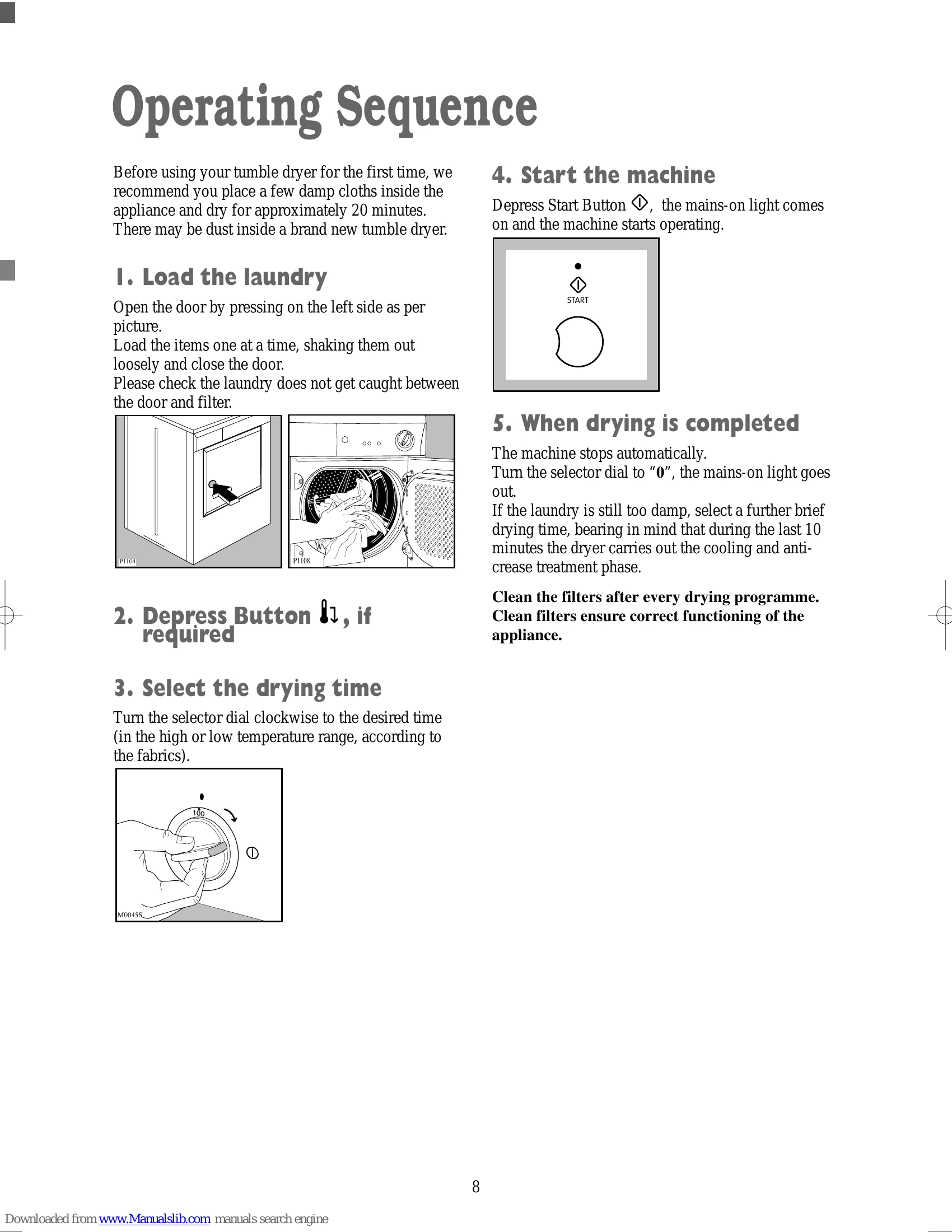
Run the dryer with a few damp cloths for 20 minutes to remove any dust.
| Symptom | Possible causes |
|---|---|
| The tumble dryer does not start | The door has not been closed. The plug is not properly inserted in the power socket. There is no current at the socket. The main fuse or the fuse in the plug has blown. A drying time has not been selected. The Start Button has not been depressed. |
| Drying takes too long or laundry is not dry enough. | The laundry has not been spun properly. The filters are clogged up. The room temperature is too high. The selected time or drying cycle was not suitable for the laundry. The low temperature button has been pressed. There is too much laundry inside the appliance. The dryer is not correctly installed. |