Brand: ZENIT
Category: Camera
Document Type:
Language: EN
Brand: ZENIT
Category: Camera
Document Type:
Language: EN
Uploaded: Aug. 9, 2025, 11:37 p.m.
Manual Publish Date: 1965-01-01
| Problem | Possible Cause | Remedy |
|---|---|---|
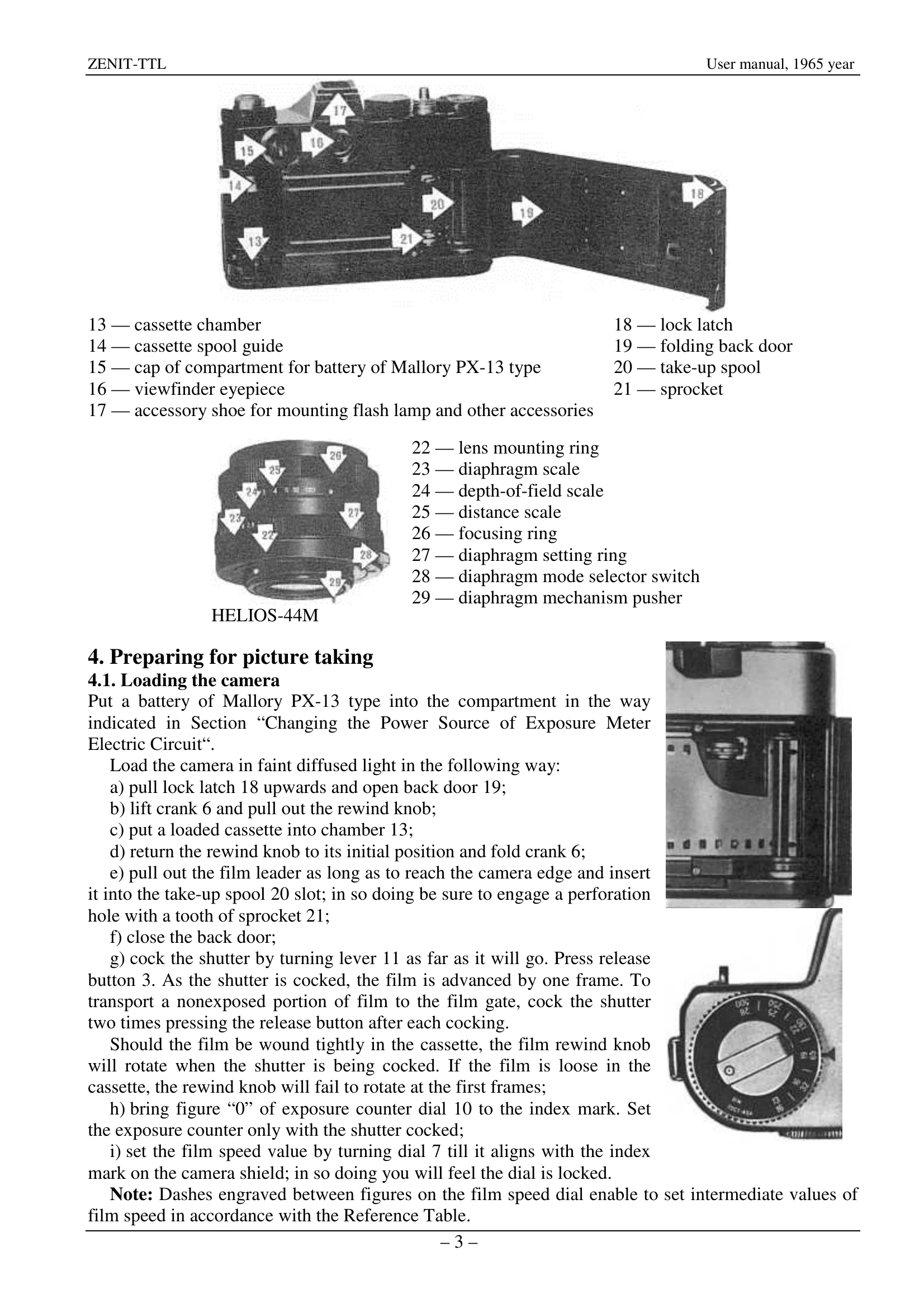
| Film does not advance when shutter is cocked. | Shutter not fully cocked. | Wind the shutter completely. |
| Rewind knob does not rotate during film advance. | Film is loose in the cassette. | Ensure film is wound tightly onto the take-up spool. |
| Image is blurry. | Camera shake or incorrect focus. | Hold camera steady, use tripod, ensure proper focusing. |
| Exposure is too light or too dark. | Incorrect exposure setting. | Adjust shutter speed or aperture based on the exposure meter reading. |
| Self-timer does not operate. | Self-timer mechanism not wound or diaphragm selector not set to 'M'. | Wind the self-timer lever fully and set diaphragm selector to 'M'. |