Manual for DCF-560M

Manual for DCF-560M

Brand: ZyXEL

Category: Modem

Document Type: Manual

Language: EN
Uploaded: Sept. 12, 2025, 4:30 a.m.

Warranty Information

D-Link warrants the hardware free from defects for one year from the original retail purchase date.

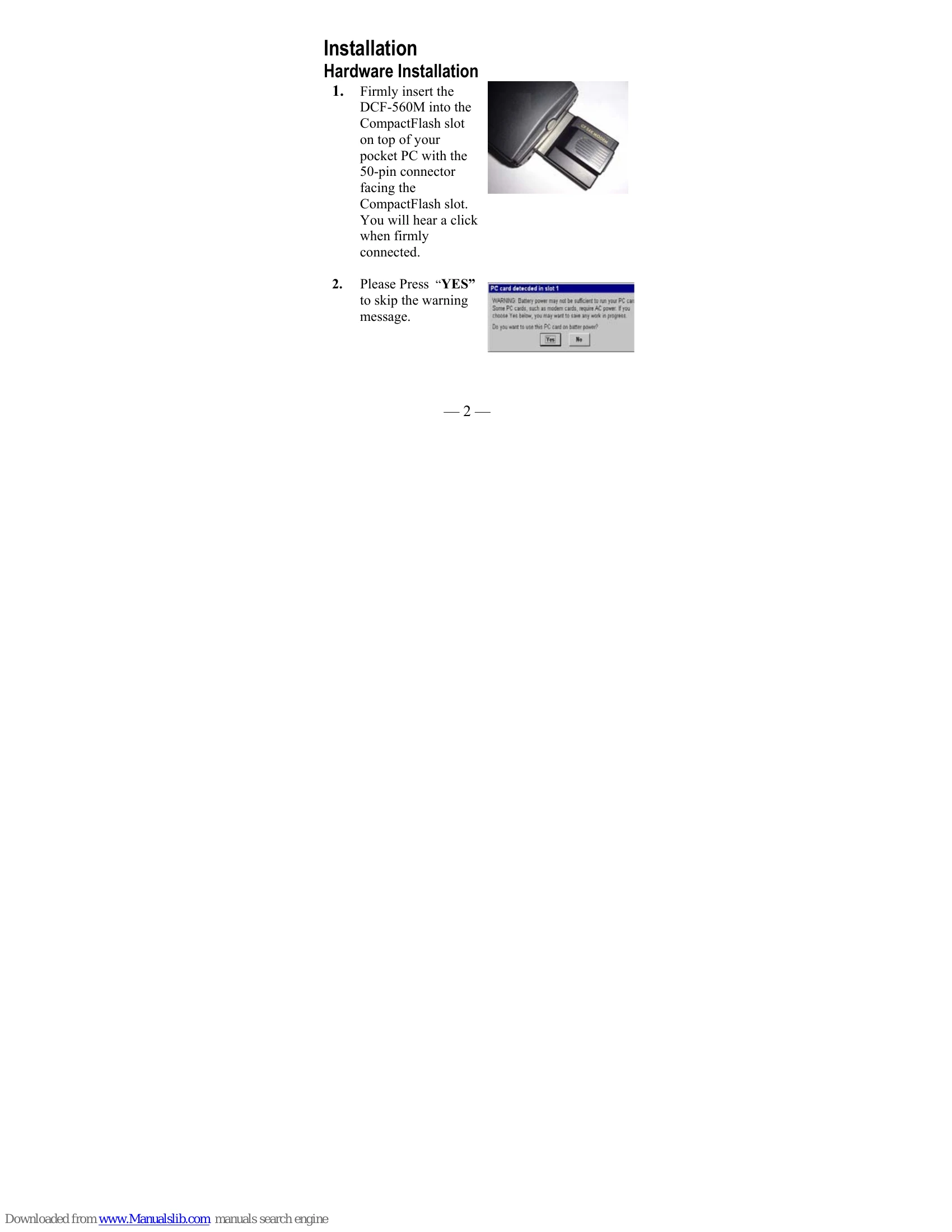
  • Hardware Installation: Insert the DCF-560M modem card into the CompactFlash slot of your pocket PC. Connect the analog phone cable to the modem and a standard telephone outlet.
  • Modem Connection Setup: On your Pocket PC, navigate to Settings > Connections > Modem. Create a new connection, select 'CompactFlash 56K Modem', and configure the baud rate. Input your ISP access number and other network settings as required.
  • POP3 Email Setup: Launch the 'Inbox' application, go to Services > New Service. Enter incoming mail server details, User ID, Password, and SMTP server information. Configure email retrieval options and desired settings for downloading messages.
Privacy Policy